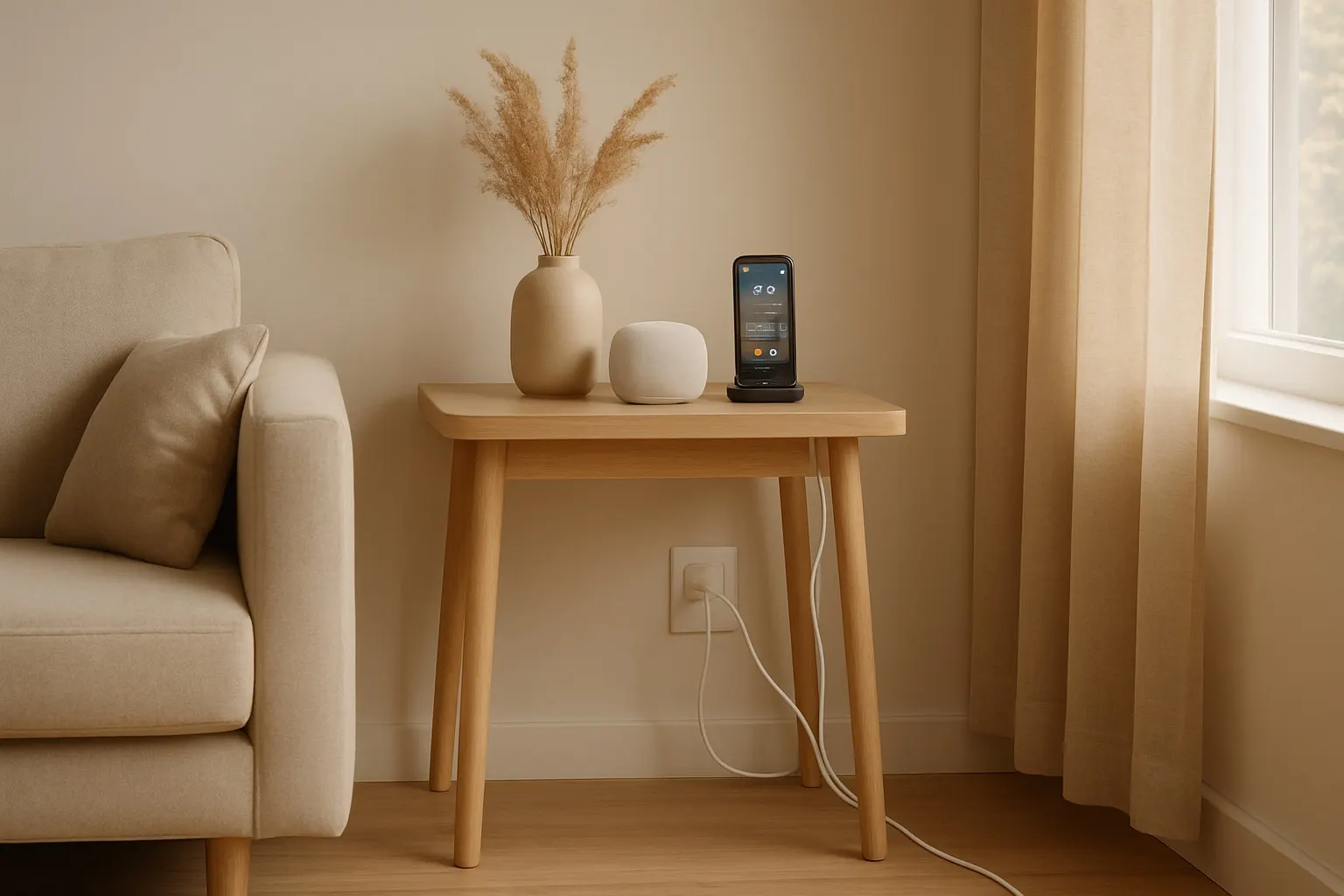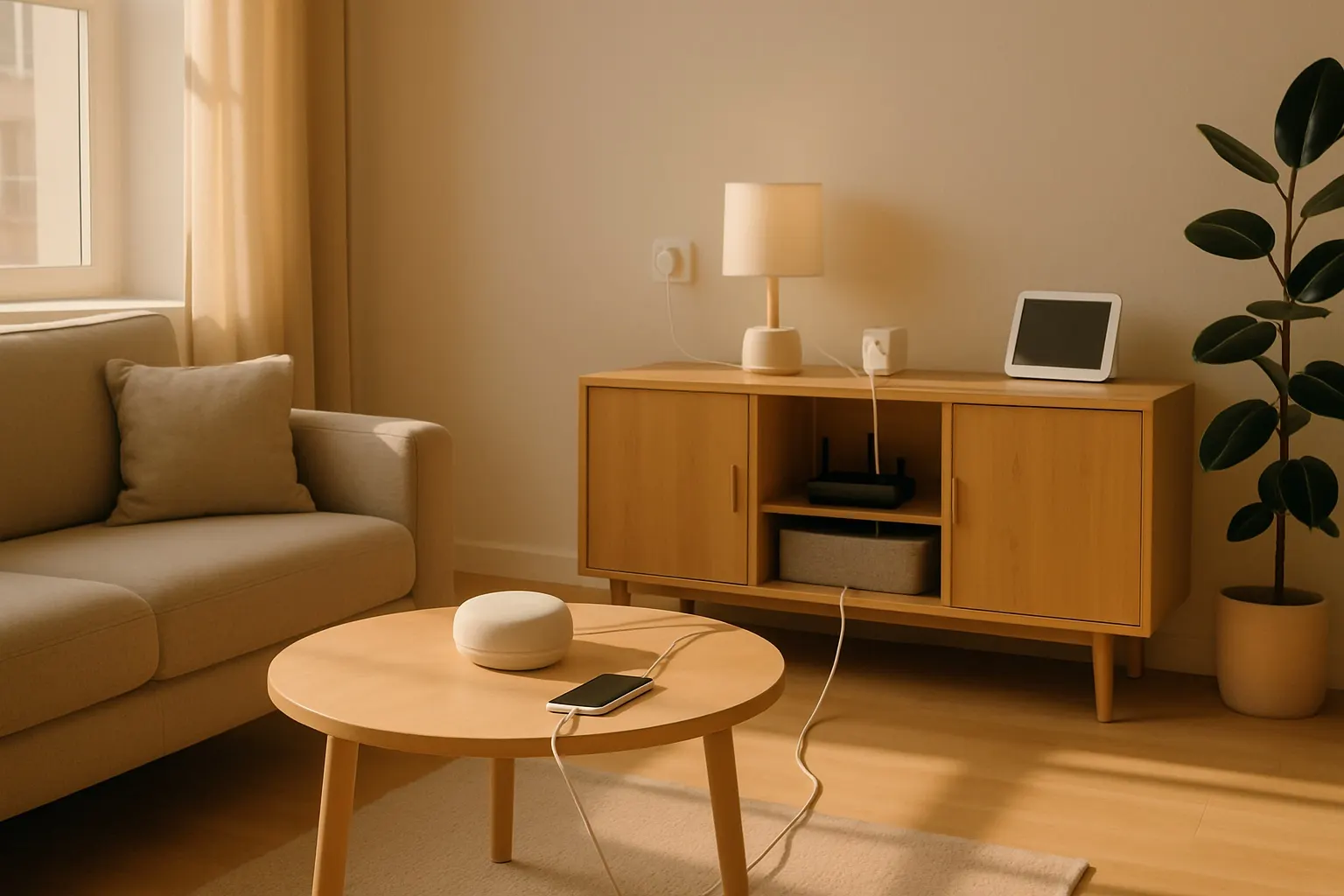
In the world of smart homes, wireless technology is king. Yet, we still find ourselves surrounded by a tangled mess of power cords, HDMI cables, and ethernet wires. This digital spaghetti not only looks messy but can also be a safety hazard. Effective cable management is the unsung hero of a truly smart and streamlined home. It enhances aesthetics, simplifies troubleshooting, and improves airflow around your expensive electronics.
This post contains affiliate links. We may earn a small commission at no extra cost to you.Ready to conquer the clutter? Here’s the ultimate guide to mastering smart home cable management.
Step 1: Audit and Unplug Everything
The first step to organization is a full reset. It might seem daunting, but you need to unplug everything from your power strips and devices. This allows you to start with a clean slate. As you unplug, take the opportunity to dust your devices and the area behind them. You’ll be surprised at how much dust accumulates in that cable jungle.
Group similar cables together. All the USB cords go in one pile, all the power adapters in another. This is also the perfect time to identify and discard any mystery cables for devices you no longer own.
Step 2: Choose Your Cable Management Tools
Not all cable messes are the same, so you'll need a variety of tools to tackle the job effectively. Here are some of the most effective solutions you can find:
- Cable Sleeves: These flexible tubes are perfect for bundling a group of cables that run in the same direction, like those coming from your TV to your media console. They zip up or wrap around the bundle, creating a single, neat tube. We recommend the JOTO Cable Management Sleeve for its flexibility and ease of use.
- Adhesive Cable Clips and Raceways: For cables that need to run along walls or the back of a desk, raceways are a game-changer. These are plastic channels that stick to surfaces, hiding the cables within. They can be painted to match your wall color, making them nearly invisible. For smaller, individual cables, adhesive clips can keep them securely in place and out of sight.
- Velcro or Reusable Cable Ties: Forget single-use plastic zip ties. Reusable ties, like these VELCRO Brand One-Wrap Ties, are your best friend for bundling cables behind your computer or grouping power adapters. You can easily add or remove cables without needing a pair of scissors.
- Cable Management Boxes: This is the perfect solution for hiding bulky power strips and all the connected plugs. A cable management box is a simple, stylish container that sits on the floor or a desk, concealing the entire power hub inside. Check out this sleek D-Line Cable Management Box to hide that power strip clutter.
Step 3: Plan Your Cable Routes
Before you start tying and sticking things down, plan the most efficient path for your cables. The goal is to make them as invisible as possible.
- Follow the Furniture: Run cables along the back edges of desks, down the legs of tables, and behind the frame of your media center.
- Use Vertical Space: Don't be afraid to route cables upwards if it means a shorter, more direct path that can be hidden behind a monitor or a speaker.
- Bundle by Destination: Group cables that are heading to the same general area. This will minimize the number of visible bundles.
Step 4: Execute and Secure
With your tools and plan in hand, it’s time to execute. Start by plugging everything back into your power strip, which should ideally be placed inside a cable management box. Run your cables along their planned routes, securing them with clips, sleeves, and ties as you go.
Leave a little bit of slack at each end of the cable. This prevents strain on the ports and makes it easier to move a device slightly without having to undo all your hard work. Labeling your cables at both ends with a simple label maker can save you a massive headache later when you need to unplug a specific device.
By investing a small amount of time and a few clever tools, you can transform your tangled tech mess into an organized, efficient, and visually appealing smart home.