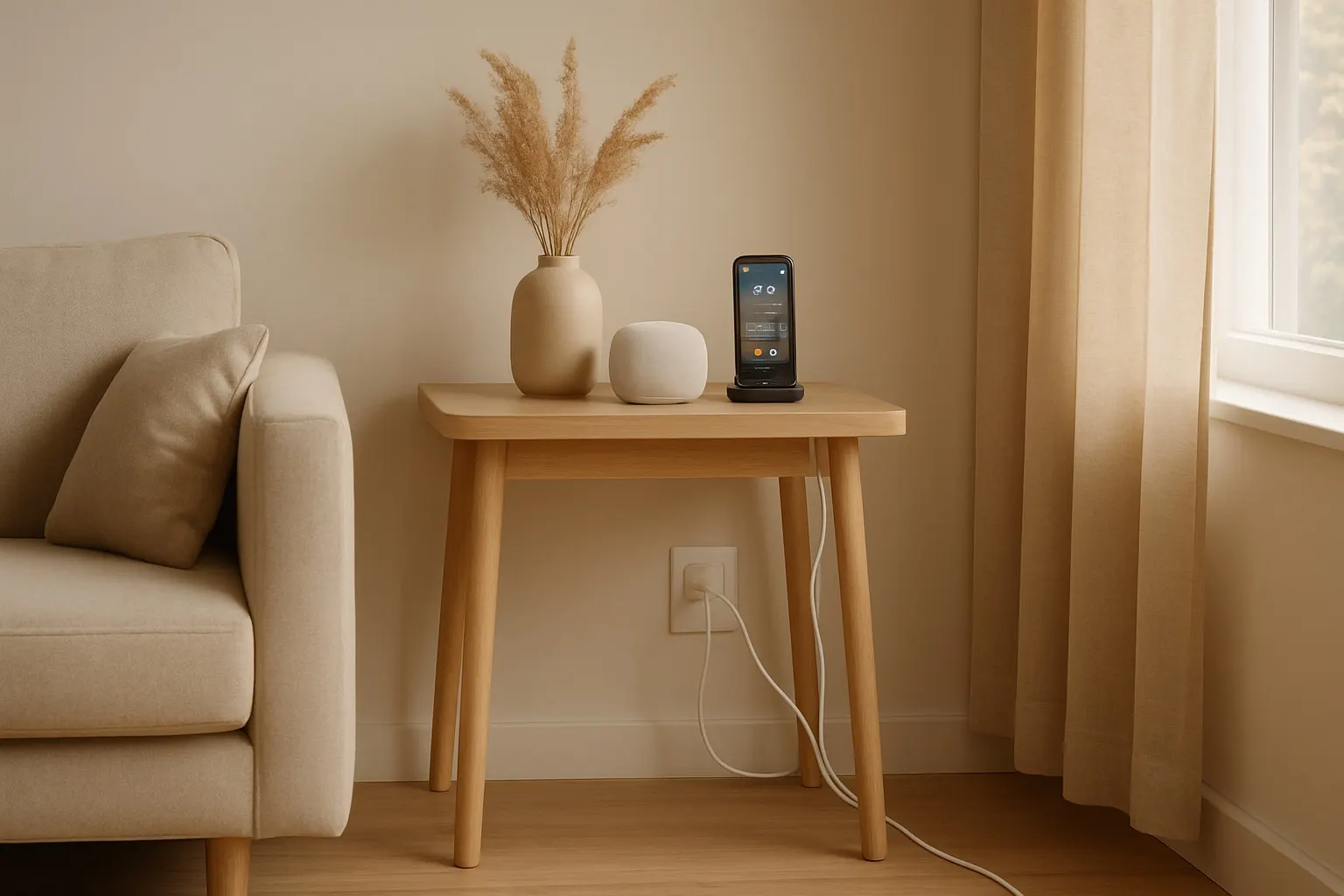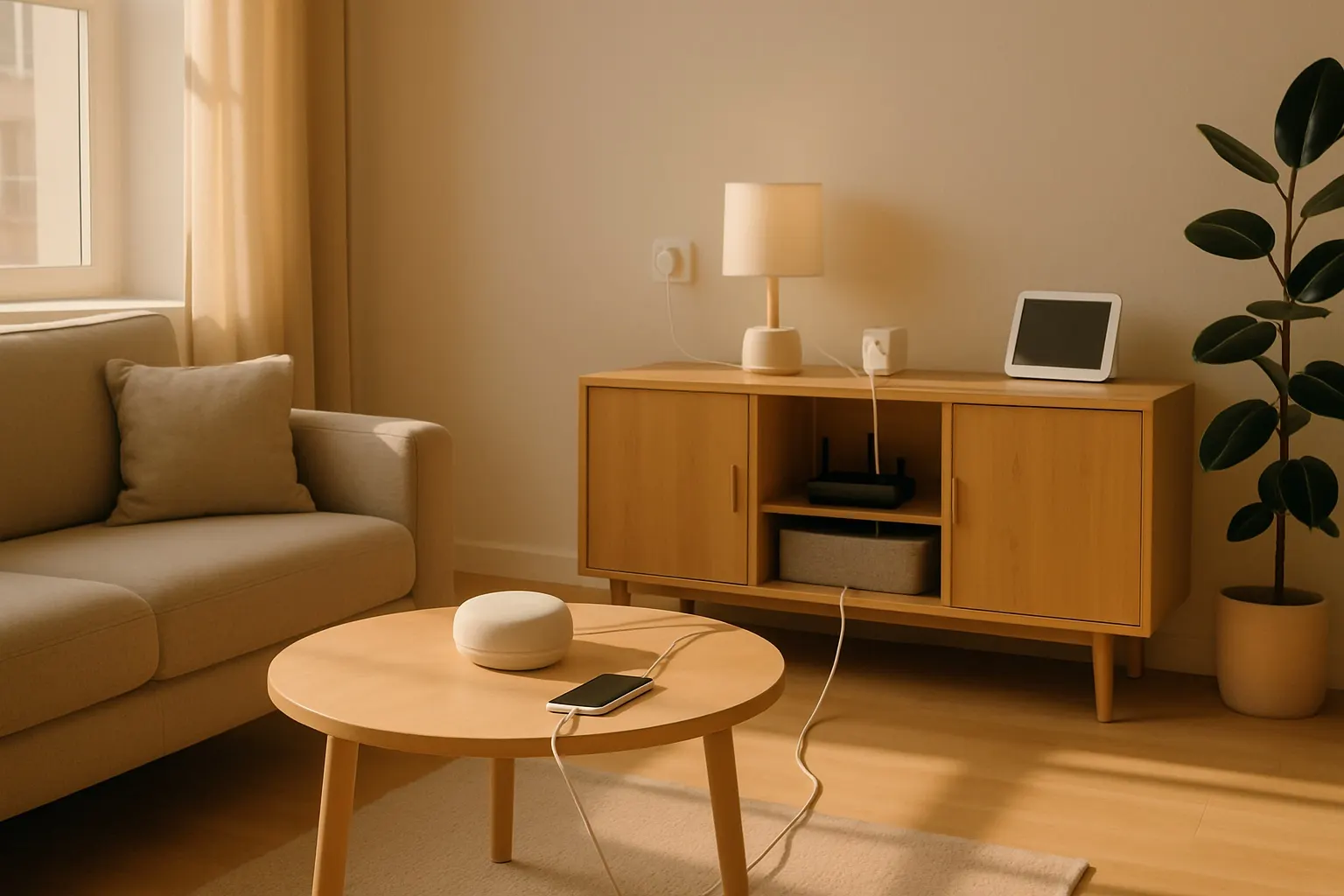
In the age of the smart home, our lives are filled with incredible devices: smart speakers, streaming boxes, intelligent lighting, and powerful home office setups. But with great tech comes great responsibility—and often, a great mess of cables. That tangled nest of wires behind your TV or under your desk doesn't just look chaotic; it can be a dust magnet and even a safety hazard.
This post contains affiliate links. We may earn a small commission at no extra cost to you.Reclaiming your space from this digital spaghetti is easier than you think. Effective cable management can transform the look and feel of your home, making it safer, cleaner, and more serene. Here’s how to get started.
Step 1: The Audit and Unplug
Before you can organize, you need to know what you're working with. Take a deep breath and unplug everything from the wall and from each other. This is the perfect opportunity to dust off your devices and the surrounding area. As you disconnect each cable, ask yourself: "Do I still use this device?" If not, set the device and its cable aside. You'll be surprised how many stray chargers and old peripheral cords you can eliminate entirely.
Step 2: Group and Route Your Cables
Once you have only the essential cables left, group them by purpose. All the cables running from your TV to your soundbar, game console, and streaming device should be bundled together. The cables for your computer, monitor, and desk accessories form another group.
The goal is to create a single, neat "highway" for your cables instead of letting them run wild. This is where cable management tools become your best friend.
- For Behind Furniture: A simple and effective solution is a fabric cable management sleeve. These flexible tubes zip up around your bundle of cables, creating one clean, unobtrusive cord. They are perfect for tidying up the connections behind an entertainment center.
- For Along Walls and Desks: When you need to run cables along a surface, an adhesive cable raceway kit is the ideal choice. These plastic channels stick to your wall or the underside of your desk. You simply tuck the cables inside and snap the cover on. The result is a professional, built-in look that completely hides the wires from view.
Step 3: Secure and Shorten the Excess
One of the biggest contributors to cable clutter is excess length. A ten-foot cable is great for flexibility, but it's a nightmare when the device is only two feet away. While you could buy shorter cables, a more practical solution is to manage the slack.
For this, nothing beats the classic reusable cable ties. Unlike single-use zip ties that you have to cut off, these hook-and-loop straps can be adjusted, opened, and reused as you add or remove components. Simply coil the excess cable neatly and secure it with a tie. For a super-clean look, you can then tuck this coil into a raceway or an adhesive cable clip.
Step 4: Power Strip Perfection
The power strip or surge protector is often the epicenter of the cable mess. Don't just leave it lying on the floor. An under-desk cable management tray can be a game-changer for your home office. These metal baskets mount to the underside of your desk, providing a hidden shelf to hold your power strip and all the bulky power bricks that come with your devices. Your feet will thank you for the newfound freedom, and your setup will look infinitely cleaner.
By investing a little time and a few smart products, you can conquer cable clutter for good. A well-managed setup not only looks better but also makes it easier to clean, troubleshoot, and keep your expensive electronics safe. Start with one area, and you’ll be inspired to declutter the wiring throughout your entire smart home.