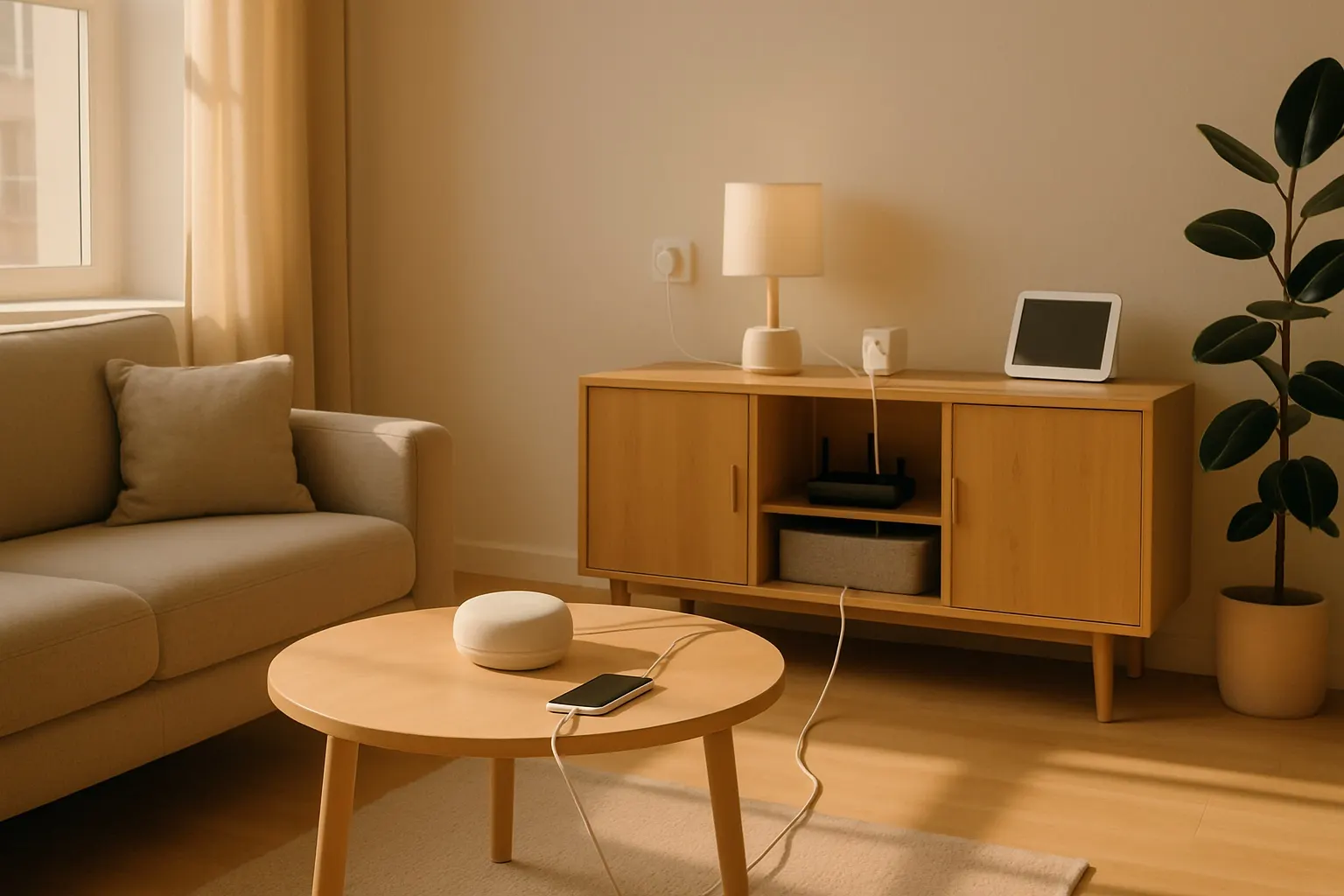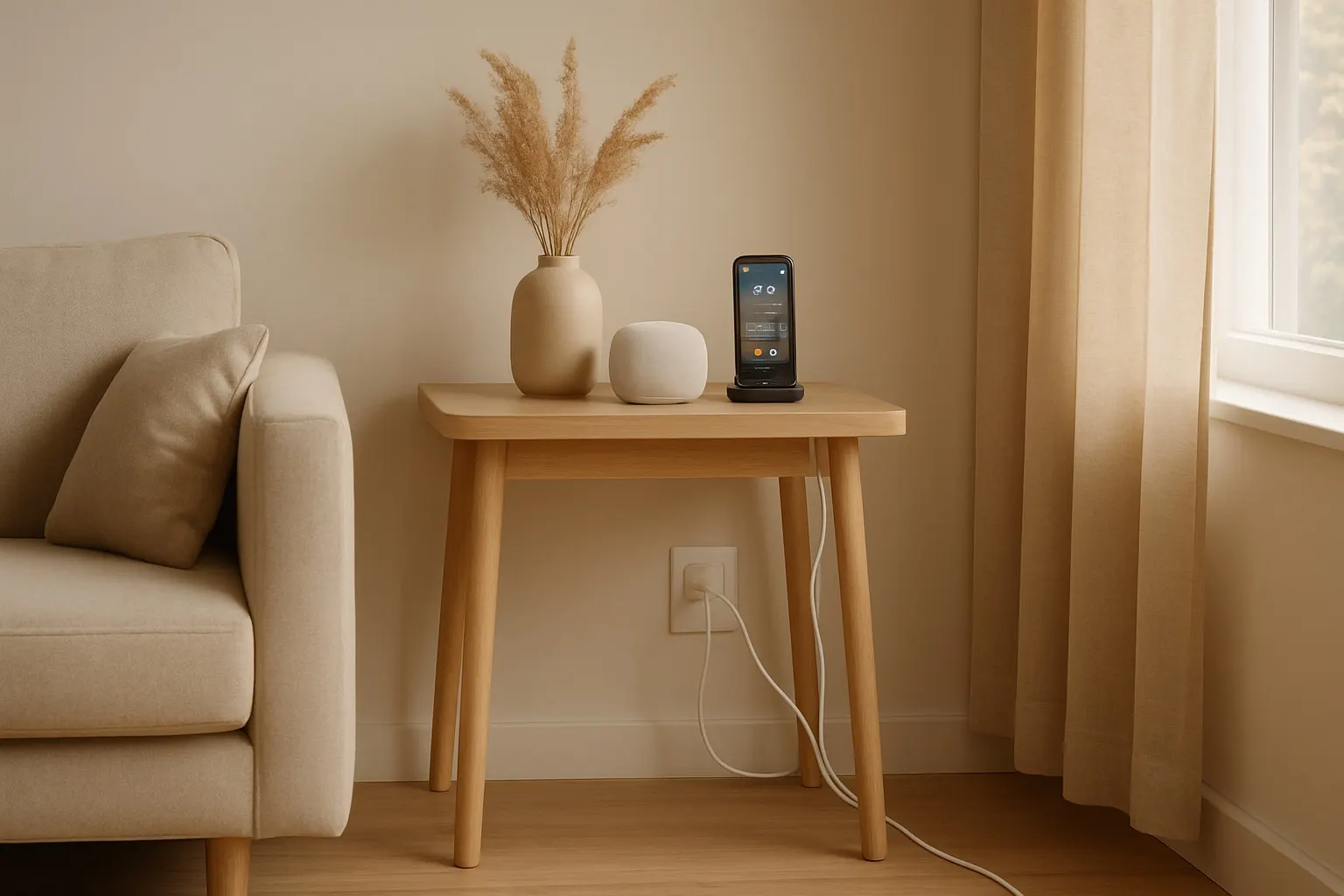
Behind every sleek smart home is a secret battle against the "tech octopus"—that sprawling, tangled mess of cables for your TV, smart speakers, chargers, and lamps. It's not just ugly; it's a dust magnet and a tripping hazard. Getting it under control is one of the most satisfying smart home upgrades you can make.
This post contains affiliate links. We may earn a small commission at no extra cost to you. The quick answer is to bundle, hide, and simplify. Start by grouping cables with sleeves or ties, conceal them with raceways or boxes, and reduce the total number of wires by using smart plugs and charging stations. Here are seven smart cable management ideas to get you started.1. Start Simple: Cable Sleeves and Zip Ties
Before you do anything else, group the cables going to the same place. A single, thick bundle is much easier to manage than ten individual wires.
- Cable Sleeves: A zippered neoprene cable sleeve is a flexible and attractive way to wrap up the cables behind your entertainment center or desk. It corrals everything into one neat tube.
- Velcro Ties: Forget single-use plastic zip ties. Reusable velcro ties are perfect for bundling smaller groups of cables and are easy to adjust when you add or remove a device.
2. Hide in Plain Sight with Cable Raceways
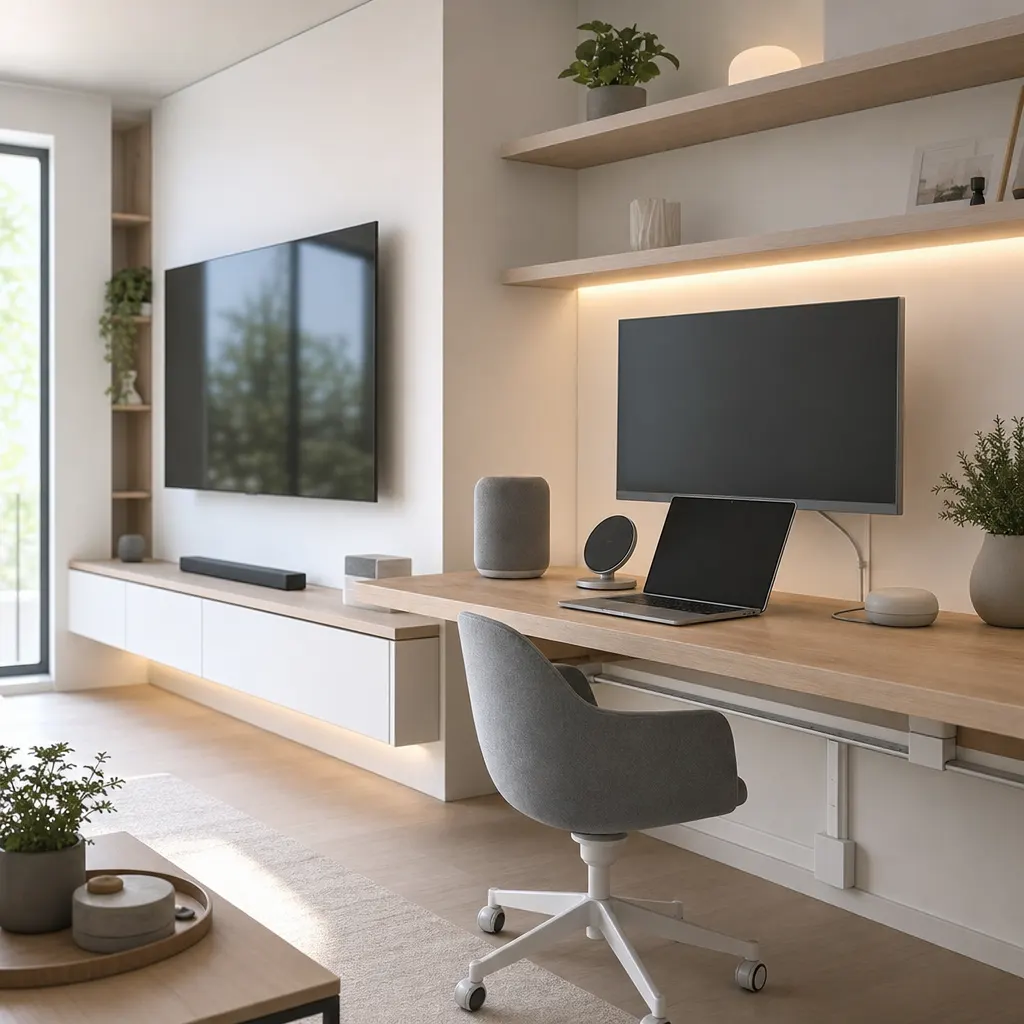
For cables that have to run along walls or baseboards, a cable raceway is your best friend. These plastic channels stick directly to the wall (most use a renter-friendly adhesive) and have a cover that snaps on, hiding the wires completely. You can even paint them to match your wall color, making them nearly invisible. They're perfect for routing speaker wires or the power cord for a wall-mounted TV.
3. The Power of Magnetic Cable Clips
What about the cables you need to access frequently, like your phone or laptop charger? Magnetic cable clips are a game-changer. A small magnetic base sticks to your desk or nightstand, and individual magnetic clips hold your cables in place. When you need to charge your device, you just grab the cable. When you're done, it snaps right back into its spot instead of falling onto the floor.
4. Use a Cable Management Box
The area around your power strip is often the worst offender. A cable management box is a simple, elegant solution. You place your entire power strip inside the box, plug everything in, and then run the bundled cables out of the slots on the side. It instantly hides the power strip and all the chunky plugs, leaving you with a clean, minimalist look.
5. Get Smart with Your Plugs
Sometimes the best cable management is using fewer cables. Our guide to the best smart plugs shows how you can control lamps and other simple devices without needing extra wired switches. Furthermore, many bulky "wall wart" plugs can block multiple outlets. A smart plug with a better design can free up space and reduce clutter right at the source.
For a deeper dive into smart plug options, check out this comprehensive guide from Wirecutter.
6. Designate a Central Charging Station
Instead of having phone, tablet, and watch chargers scattered around your home, create a single hub. A multi-device charging station lets you power up all your gadgets in one organized spot. Look for one with built-in dividers and short, manageable USB cables to keep everything tidy. Some even use Qi wireless charging to eliminate even more wires.
7. Mount Power Strips Out of Sight
For home offices or entertainment centers, mount your power strip on the underside of the desk or the back of the TV stand. This gets the entire bundle of plugs off the floor, making it easier to clean and creating a much neater appearance. Use heavy-duty adhesive strips or small mounting brackets. Just make sure it's easily accessible if you need to unplug something.
---