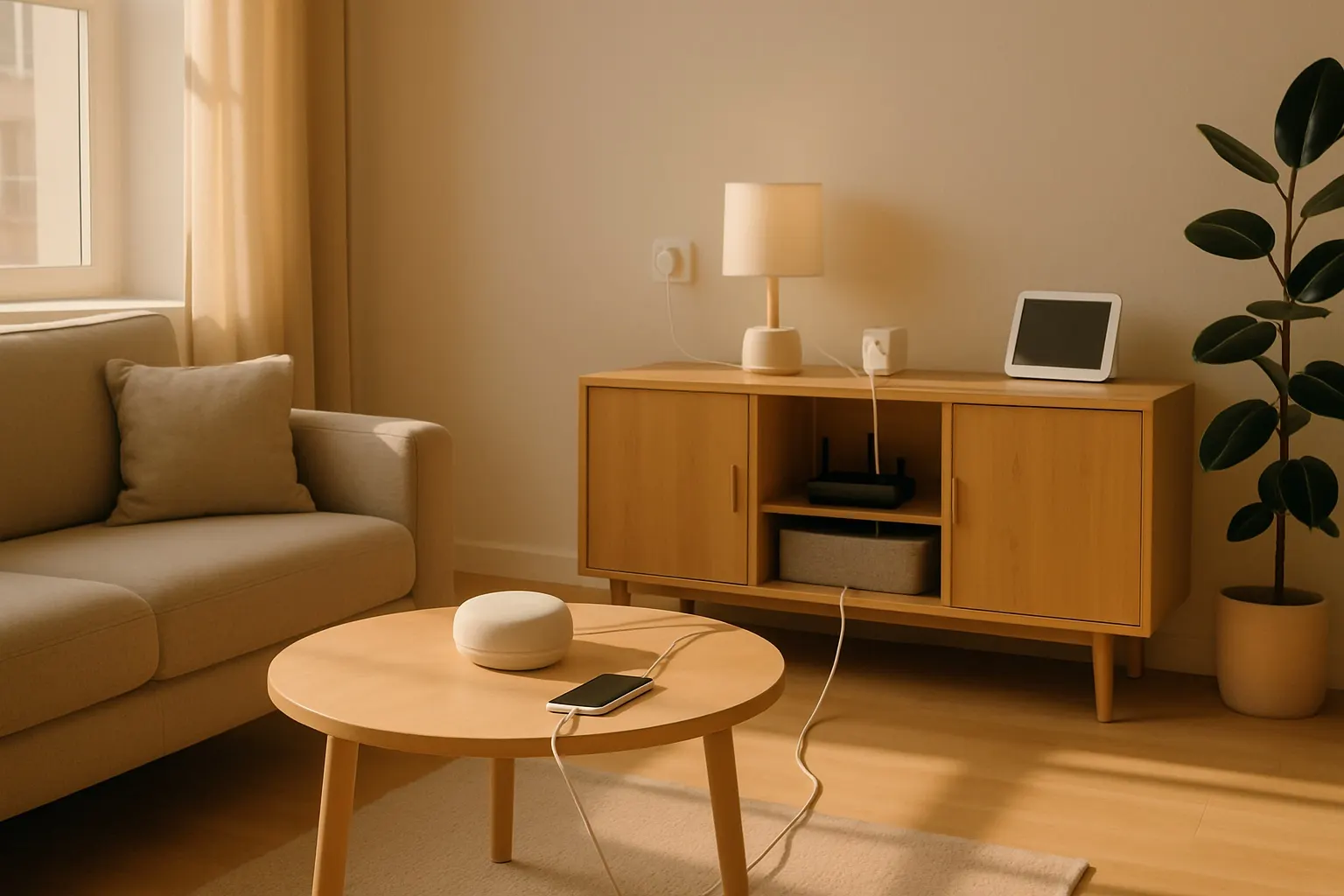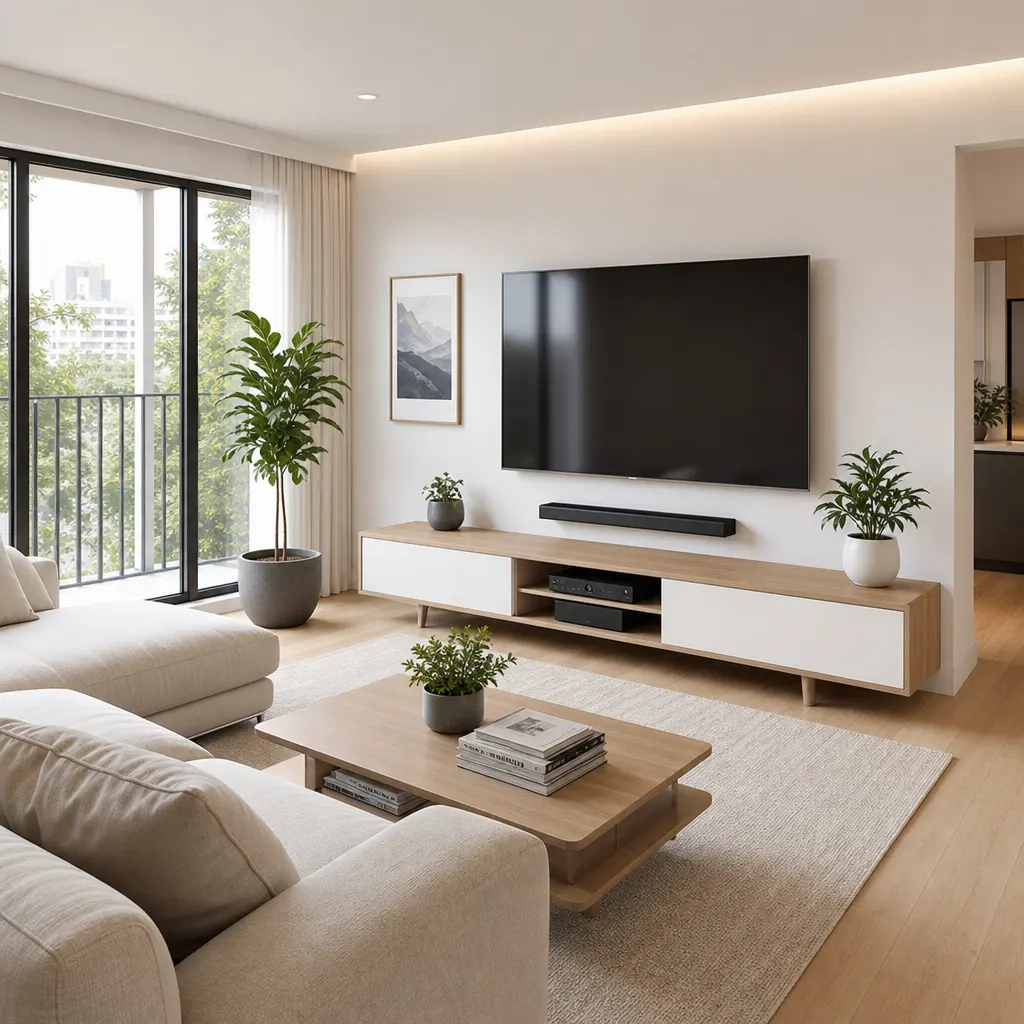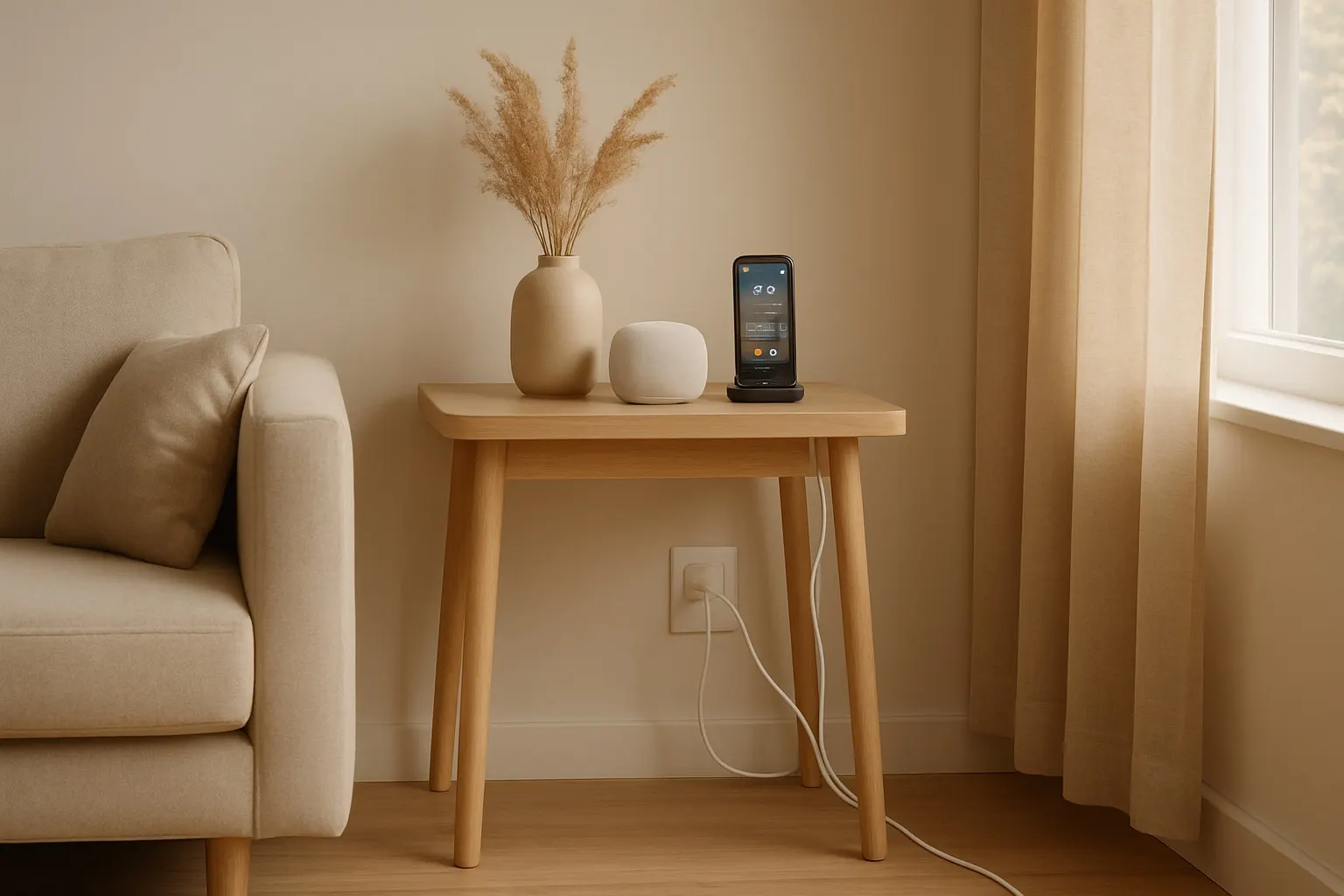
In the age of the smart home, our living spaces are more connected than ever. From smart speakers and streaming devices to intelligent lighting and security cameras, the convenience is undeniable. But with great connectivity comes a great tangle of wires. For renters, managing this cable chaos presents a unique challenge: how do you create a clean, organized setup without drilling holes or making permanent changes?
This post contains affiliate links. We may earn a small commission at no extra cost to you.A mess of wires isn't just an eyesore; it can be a safety hazard for pets and children and makes cleaning a nightmare. Fortunately, with a few clever strategies and the right tools, you can achieve a sleek, professionally organized look that’s completely renter-friendly.
The Foundation: Plan Your Layout
Before you buy a single cable tie, take a moment to plan. Identify your "hot zones"—typically the entertainment center and the home office desk. Sketch out where your devices will go and how the power and data cables will run to them. The goal is to consolidate cables so they follow a single, discreet path along a wall or behind furniture.
Consider using a single, high-quality surge protector as a central hub for your power needs. This minimizes the number of cords running to your wall outlets. A slim-profile surge protector can be easily tucked behind a console or mounted with adhesive strips.
Adhesive Solutions: Your Best Friend
For renters, adhesive-backed products are the holy grail of cable management. They offer a strong hold without damaging walls, making them perfect for temporary setups.
Cable Raceways: These are slim plastic channels that stick directly to your walls or the back of furniture. You can run multiple cables inside them, completely hiding them from view. They come in various colors to match your wall paint and can be easily cut to size. A complete raceway kit often includes different connectors (like elbows and T-junctions) to navigate corners cleanly. Adhesive Clips: For single cables, like a phone charger on your nightstand or a lamp cord running along a baseboard, small adhesive clips are perfect. They are barely noticeable and keep individual wires perfectly in place.Behind the Scenes: Concealment and Consolidation
The easiest way to manage cables is to hide them.
Cable Management Boxes: These simple, stylish boxes are designed to house an entire power strip and all the connected plugs and adapters. Just place your surge protector inside, run the cables in, and put the lid on. The result is a single, clean box instead of a tangled nest of wires. A wooden-style cable box can even double as a decorative element on your desk or floor. Under-Desk Trays: For a home office setup, an under-desk cable tray is a game-changer. These mesh or metal trays screw or clamp onto the underside of your desk, providing a hammock for all your power bricks, adapters, and excess cable length. This lifts everything off the floor, making your workspace feel instantly cleaner and more spacious.The Finishing Touches: Ties and Sleeves
Once your main pathways are established, it's time for the final details.
Velcro and Reusable Cable Ties: Forget single-use plastic zip ties. Reusable velcro ties are your best bet for bundling cables together. They are adjustable, easy to add or remove cables from, and gentle on your wires. Use them to bundle the cables coming from your computer to the under-desk tray or from your TV to the raceway. Braided Cable Sleeves: For a bundle of cables that has to remain visible (for example, running from a standing desk to the wall), a braided sleeve is the most elegant solution. This flexible, fabric-like tube wraps around a group of wires, consolidating them into a single, attractive cord. It’s a high-impact fix that gives your setup a polished, high-tech look.By combining these renter-friendly strategies, you can transform your smart home from a web of wires into a clean, organized, and safe space.