If you've ever tried to follow a recipe on your phone — squinting at tiny text while your hands are covered in flour — you already know why smart displays are taking over kitchen counters. These compact screens combine a smart speaker with a touchscreen, giving you hands-free recipe guidance, video calls, smart home controls, and entertainment all in one device.
Here's our breakdown of the best smart displays for kitchens in 2026, what to look for, and how to pick the right one for your space.
Why Put a Smart Display in the Kitchen?
A smart display isn't just a speaker with a screen bolted on. In the kitchen, it becomes genuinely useful:
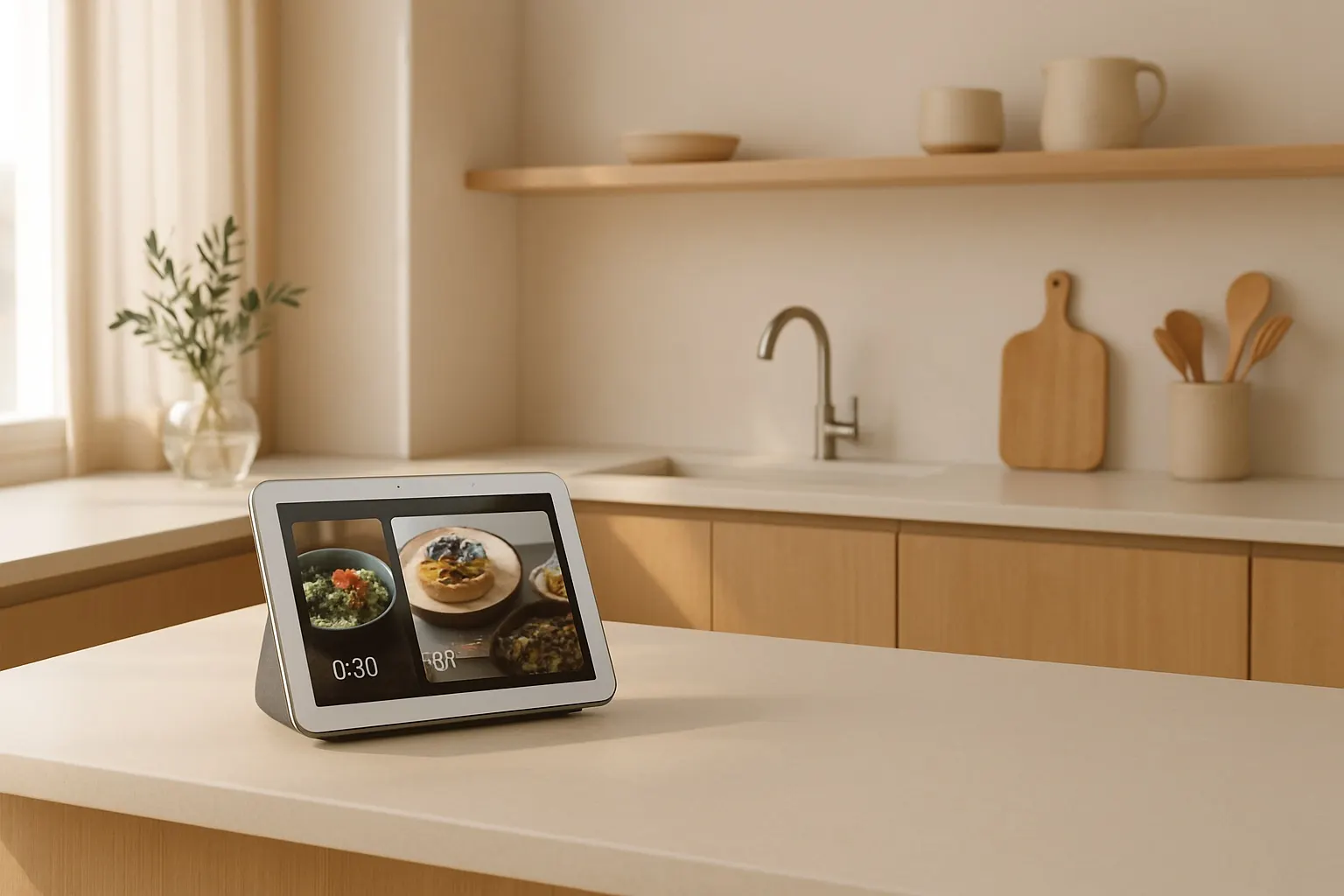
- Hands-free recipes. Ask for a recipe and get step-by-step instructions you can advance with your voice. No more tapping a greasy phone screen.
- Timers and conversions. Set multiple named timers ("Hey Google, set a pasta timer for 12 minutes") and ask for measurement conversions on the fly.
- Video calls. Keep chatting with family while you cook. Most displays have wide-angle cameras that follow you around the room.
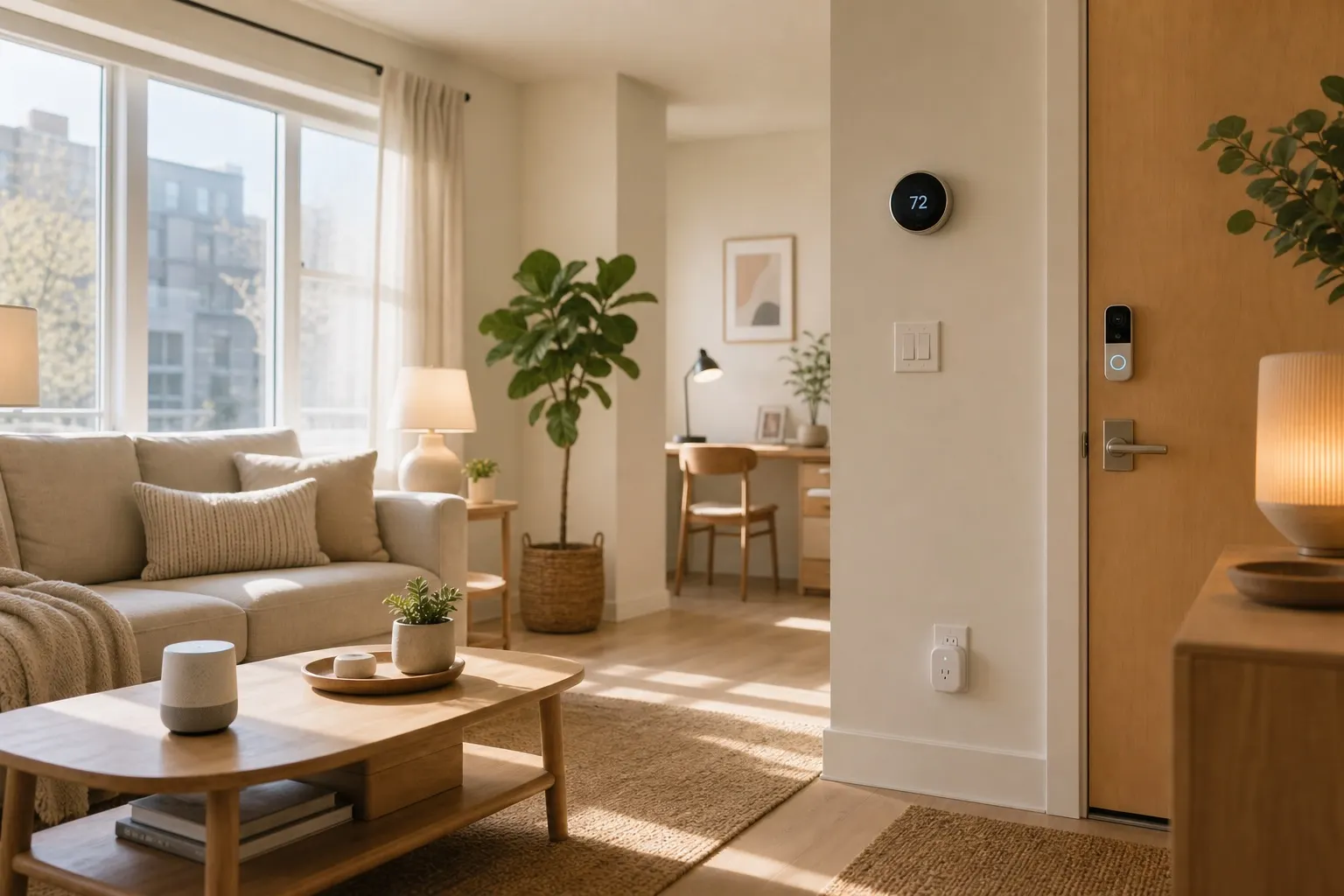
- Smart home hub. Control your smart plugs, lights, and thermostat from one screen.
- Entertainment. Stream music, podcasts, YouTube, or morning news while you prep breakfast.
What to Look For
Before grabbing the first deal you see, consider these factors:
Screen size. Kitchen displays usually fall between 5 and 15 inches. A 7–10 inch screen hits the sweet spot — large enough to read recipes from across the counter, small enough to not dominate your space. Sound quality. You'll want decent speakers if you plan to listen to music or podcasts while cooking. Look for displays with stereo speakers or bass radiators. Camera quality and privacy. Most smart displays include cameras for video calls. A physical camera shutter is a must — it lets you physically block the lens when you're not using it. Ecosystem. Are you an Alexa household or a Google household? Your smart display should match whatever assistant already runs your smart speaker setup. Mixing ecosystems creates headaches. Splash resistance. Kitchens are messy. Some displays are designed with this in mind — look for ones that can handle a bit of steam and the occasional splatter.Top Picks for 2026
Amazon Echo Show 8 (3rd Gen)
The Echo Show 8 remains one of the best all-around kitchen displays. The 8-inch screen is the perfect size for countertop use, and the adaptive color display adjusts to ambient lighting so recipes are always easy to read. It has a 13MP camera with auto-framing for video calls, a physical camera shutter, and surprisingly good audio for its size.
What makes it a kitchen standout: Alexa can pull recipes from AllRecipes, Food Network, and other sources, walking you through each step hands-free. It also doubles as a smart home hub, so you can control Zigbee devices directly without a separate bridge.
Best for: Alexa households who want a versatile, mid-sized display. Check current Echo Show 8 pricing on AmazonGoogle Nest Hub (2nd Gen)
Google's 7-inch Nest Hub is the minimalist's pick. There's no camera at all, which is either a dealbreaker or a feature depending on your privacy stance. The display is clean and responsive, and Google Assistant's recipe integration is arguably the best in the game — it pulls from a huge library and presents instructions in a clear, scrollable format.
The built-in Soli sensor tracks sleep if you put it in the bedroom, but in the kitchen it's all about that tight Google ecosystem integration. If you use Google Calendar, Google Home, and YouTube, everything just works.
Best for: Google households, privacy-conscious users, smaller kitchens.Amazon Echo Show 15
If counter space isn't an issue — or if you want to wall-mount it — the Echo Show 15 is essentially a smart kitchen TV. The 15.6-inch Full HD display can show a family calendar, sticky notes, recipes, and live camera feeds simultaneously using customizable widgets.
It's overkill for a tiny apartment kitchen, but for a family home, it becomes the household command center. Mount it on the wall next to the fridge and you've got a digital dashboard that everyone can use.
Best for: Families, larger kitchens, wall-mount setups. Browse Echo Show 15 options on AmazonSetting Up Your Kitchen Display
Once you've picked your display, a few tips to get the most out of it:
- Position it away from the stove. Steam and grease are the enemies of electronics. Keep your display at least a couple of feet from the cooktop, ideally near your prep area.
- Connect your smart home devices. Link your smart plugs, lights, and any connected appliances. Being able to say "turn off the coffee maker" without walking across the room is a small luxury that adds up.
- Set up household profiles. Most displays support voice recognition for multiple users, so each family member gets personalized results, calendars, and music preferences.
- Create a cooking routine. Set up a voice routine like "Alexa, it's dinner time" that dims the living room lights, plays your cooking playlist, and sets a 30-minute timer all at once.
- Add a kitchen-friendly stand or mount to get the screen at the right angle and height for your workspace.
The Bottom Line
A smart display in the kitchen solves a genuinely annoying problem — accessing information while your hands are busy. Whether you go with a compact Nest Hub or a full-sized Echo Show 15, you're adding a tool that earns its counter space every day.
Start with whichever ecosystem you're already in. Match it with the right screen size for your kitchen. And keep it away from the stove. That's really all there is to it.