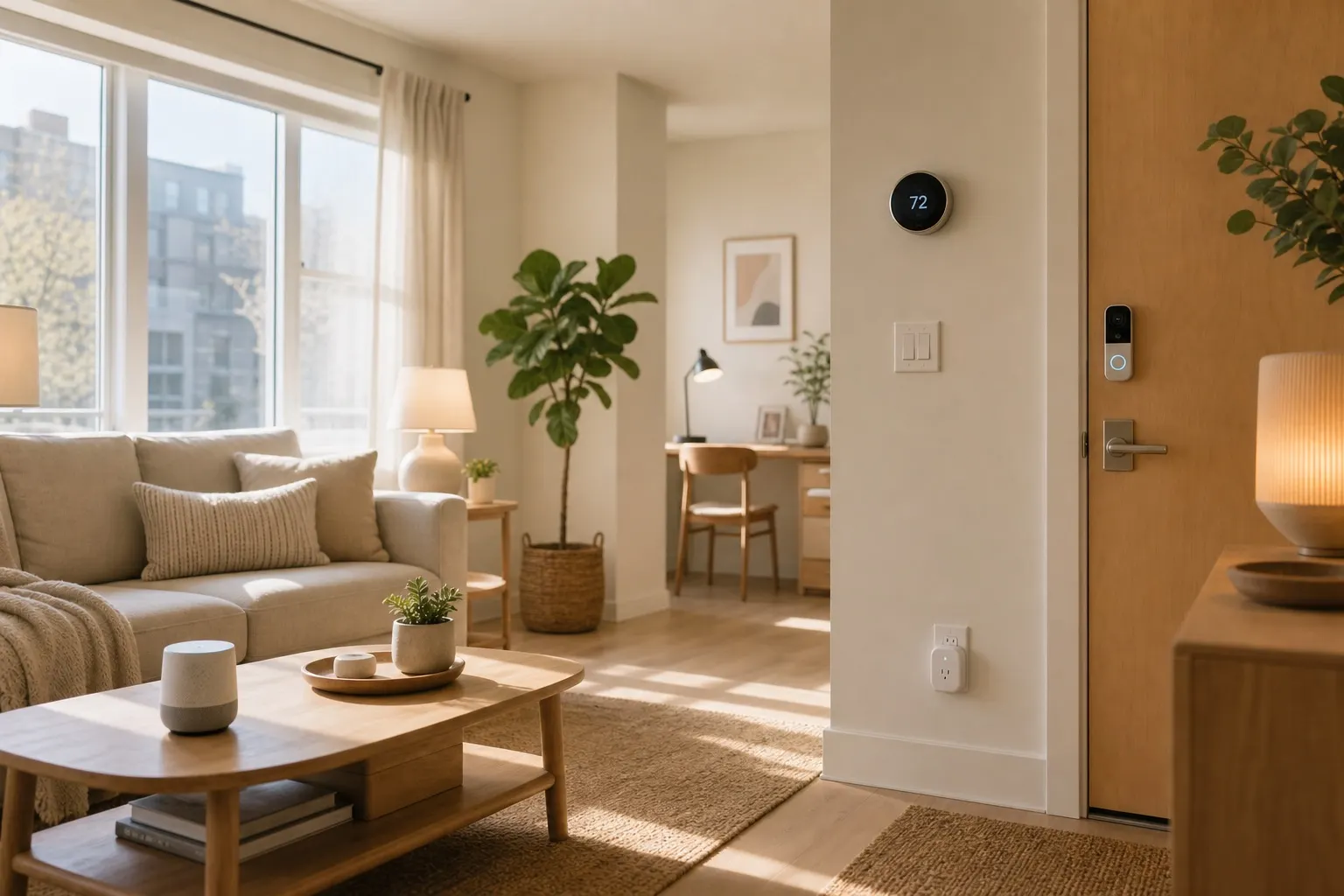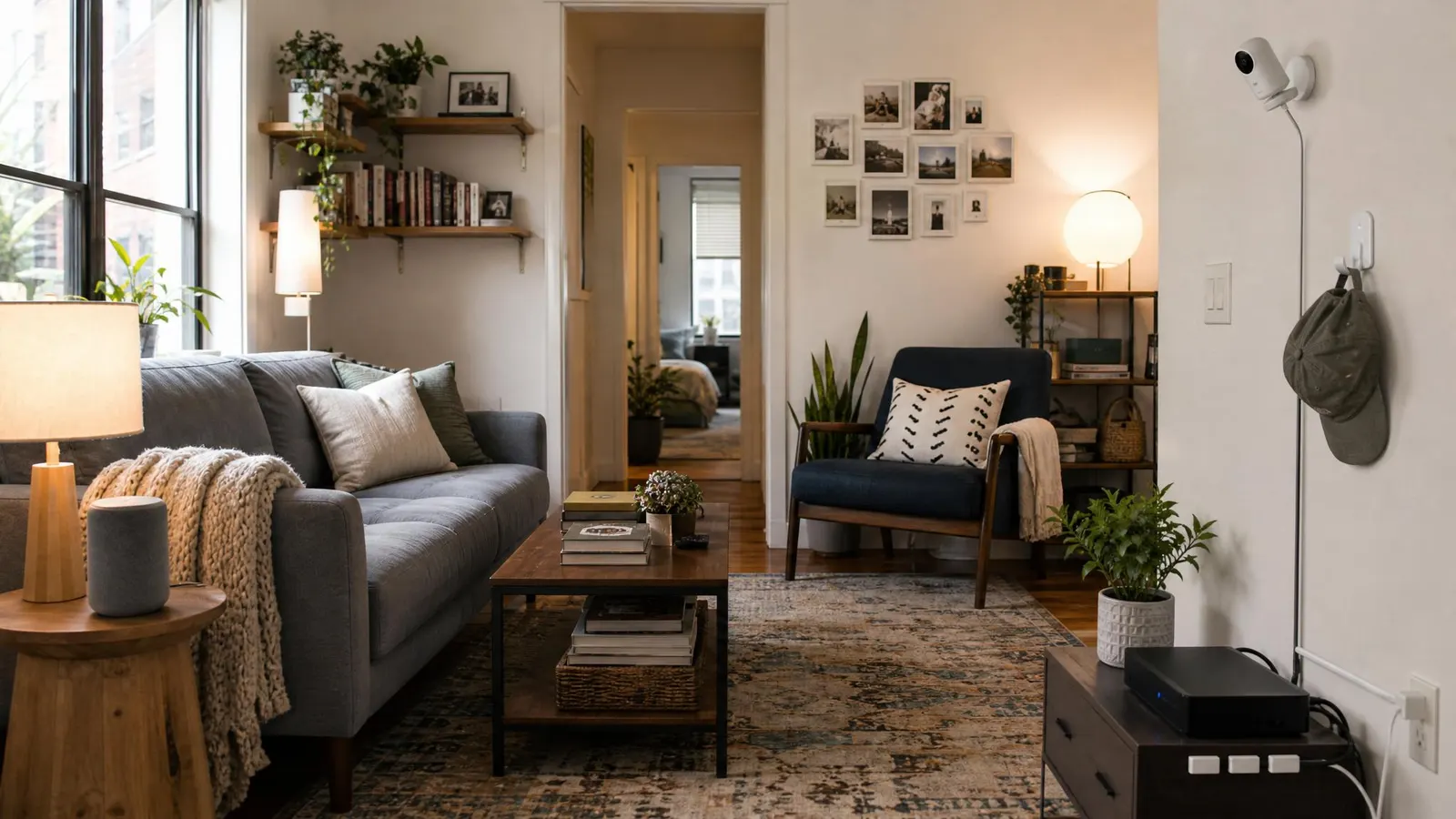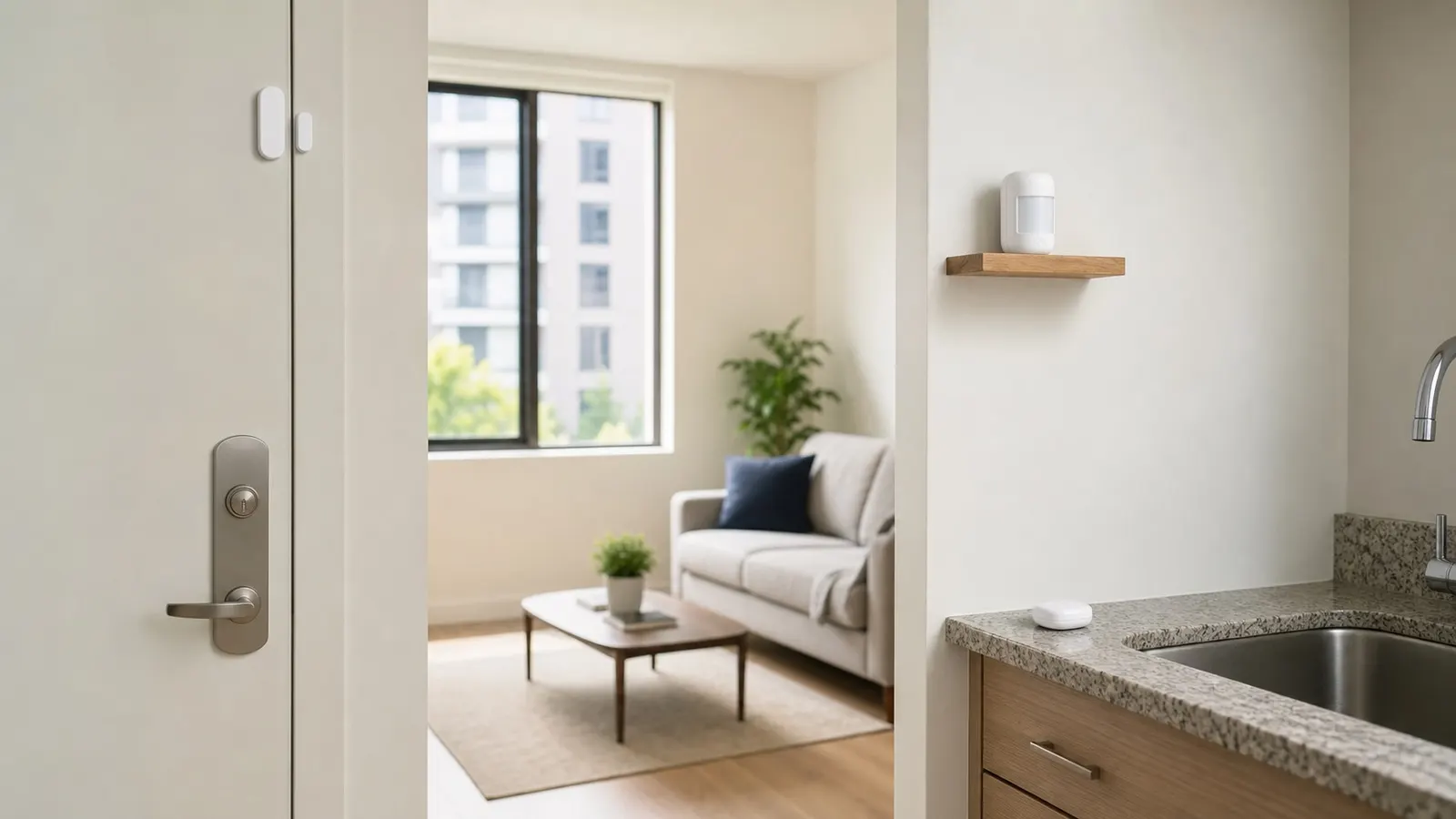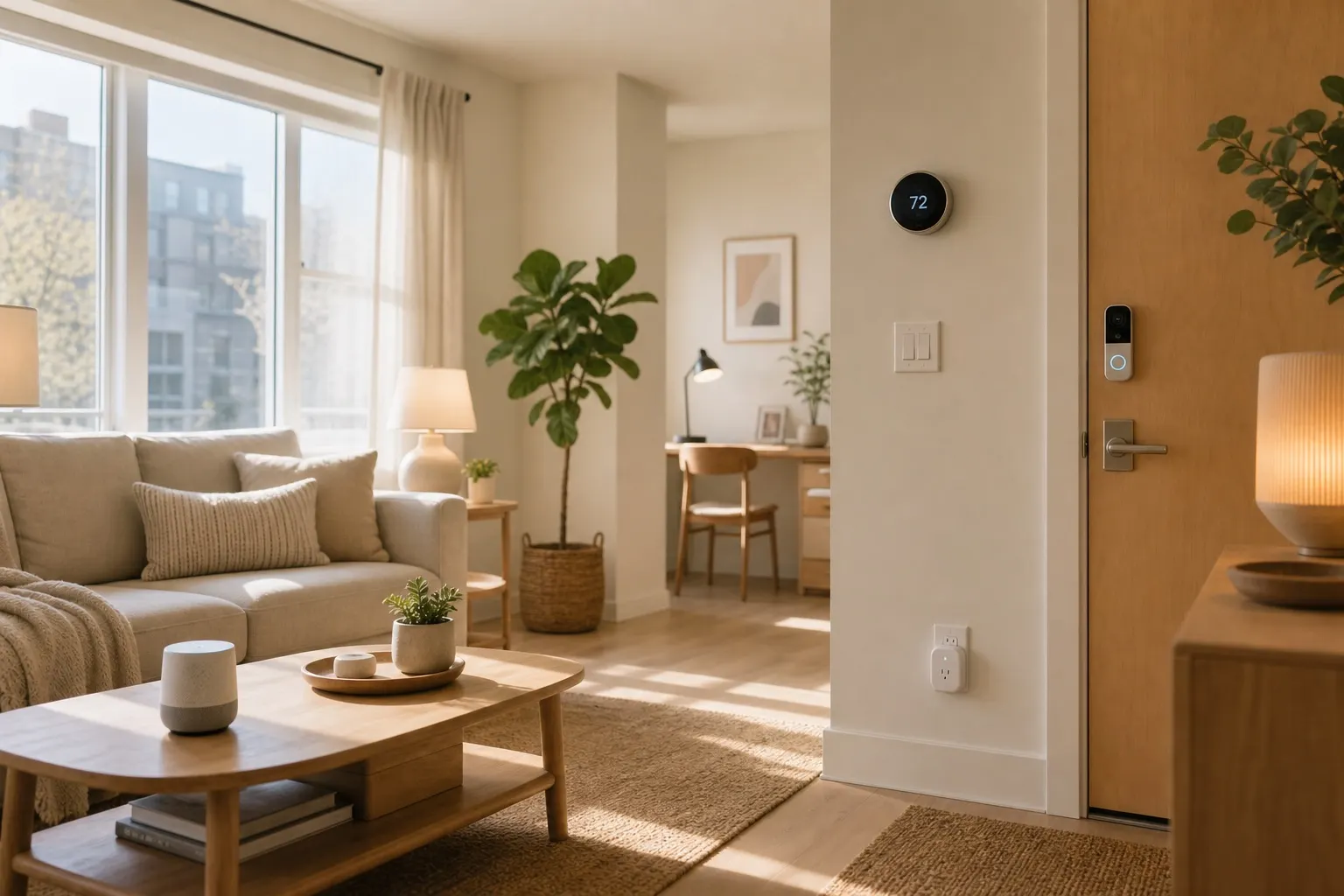
If you rent and want smart home gear that will not trap you in one app forever, a Matter smart home apartment setup is the cleanest path in 2026. Quick answer: start with a Matter-capable hub you already like, add a few Matter smart plugs and bulbs, then layer in sensors only after the basics are reliable. You get voice control across Alexa, Apple Home, and Google Home, plus a setup that can move with you when your lease ends.
This post contains affiliate links. We may earn a small commission at no extra cost to you.Matter does not magically make every device perfect, but it solves a real apartment problem: you should not have to replace your lamps, routines, and sensors just because you switched phones or moved in with someone who uses a different voice assistant.
Why Matter Makes Sense in an Apartment
Matter is a smart home standard backed by the Connectivity Standards Alliance. The simple version: Matter-certified devices are designed to work across major smart home ecosystems instead of being locked to one brand's app. The official CSA Matter overview is worth reading if you want the technical background.
For renters, the practical benefits are better than the buzzwords. You can buy a smart plug once and control it from Apple Home, Google Home, or Alexa. You can move apartments without rebuilding your entire setup from scratch. You can also keep your system small, which is exactly what most apartments need.
Matter is especially useful if your household is mixed. Maybe you use an iPhone, your partner uses Android, and your kitchen has an Echo Show. A Matter setup keeps everyone from arguing over which app "owns" the lights.
Start With the Hub You Already Live With
Most Matter setups need a controller. In normal-person terms, that means a device that coordinates your smart home. You may already own one.
Apartment-friendly options include:
- An Apple HomePod mini or Apple TV 4K
- An Amazon Echo speaker with Matter support
- A Google Nest Hub or Nest speaker with Matter support
- A SmartThings Station if you want a more device-focused setup
Do not buy a new hub until you check what you already have. If your smart speaker is recent, it may already work as a Matter controller. For Thread devices, you also need a Thread border router, which is built into some HomePods, Echos, Nest Hubs, and Apple TVs.
If that sounds annoying, keep your first purchases simple: choose Wi-Fi Matter devices. They connect through your regular router.
The Best First Devices for Renters
Start where the payoff is obvious. A tiny studio or one-bedroom does not need 30 gadgets. It needs three or four devices that remove daily friction.
First, buy a two-pack of Matter smart plugs. Put one on a living room lamp and one on a fan, coffee maker, or desk light. Smart plugs are low-risk because they do not require tools, wiring, or landlord approval.
Next, add one or two Matter smart bulbs in lamps you use every day. Skip hardwired smart switches in a rental unless your landlord has clearly approved electrical changes. Bulbs and plug-in lamps give you most of the convenience with none of the repair work.
After that, consider a Matter-compatible motion sensor for a hallway, bathroom, or entry area. Use it to turn on a lamp at night or trigger a soft morning routine. Adhesive-mounted sensors are easy to remove later, but use fresh removable strips rather than whatever came in the box if your walls have fragile paint.
For a broader renter setup, pair this guide with our smart home renters guide. That article covers no-drill cameras, leak detectors, and moving-day strategy.
Set Up Routines That Actually Help
The mistake most people make is building routines that sound clever but do not match daily life. Keep them boring and useful.
Try these:
- "Good morning" turns on the kitchen lamp and desk light.
- "Movie" dims the living room lamp and turns off the overhead bulb.
- "Away" turns off lamps, fans, and decorative lights.
- "Night" turns on one low lamp for 10 minutes, then shuts everything down.
Name devices by room and object, not brand. "Living Room Lamp" is better than "Kasa Plug 2." This matters when guests or family members use voice commands.
Also avoid automating anything that could create a safety issue. Space heaters, high-draw appliances, and anything with a heating element deserve extra caution. If you use a smart plug with a fan or coffee maker, check the plug's amperage rating and the appliance manual first.
Avoid These Apartment Setup Mistakes
Do not buy random cheap devices just because they say "smart." Look for the Matter logo, check whether the device uses Wi-Fi or Thread, and confirm your controller supports it. A five-minute compatibility check saves an evening of app pairing misery.
Do not hide every plug behind furniture. You will eventually need the reset button. Leave enough access to power-cycle a device without moving the entire sofa.
Do not build everything in a manufacturer's app first if your goal is cross-platform control. Use the app for firmware updates, then add the device to your primary smart home platform.
Finally, document your setup. A quick note with device names, rooms, and reset steps will make moving day much easier. Future you will not remember which plug controlled the bookcase lamp.
FAQ
Do I need Matter for a small apartment?
No, but it is a smart default if you are buying new gear in 2026. A small apartment is exactly where Matter shines because you can keep the setup simple: a controller, a few plugs, a few bulbs, and maybe one sensor.
Is Matter better than Wi-Fi smart devices?
Matter is not a network type by itself. Matter devices can use Wi-Fi, Ethernet, or Thread. For beginners, Wi-Fi Matter devices are usually easiest. Thread can be more responsive and efficient, but it requires a Thread border router.
Can I take Matter devices when I move?
Yes. That is one of the best reasons renters should care. Remove the devices, factory reset them, delete the old home setup, and add them again in the new apartment. Keep adhesive mounts and labels organized so reinstallation is painless.
Bottom Line
A Matter smart home apartment setup should feel practical, not like a science project. Start with the controller you already own, buy a small number of Matter-certified plugs and bulbs, and build routines around real daily habits. You will get a cleaner, more portable smart home without touching your lease, your wiring, or your security deposit.