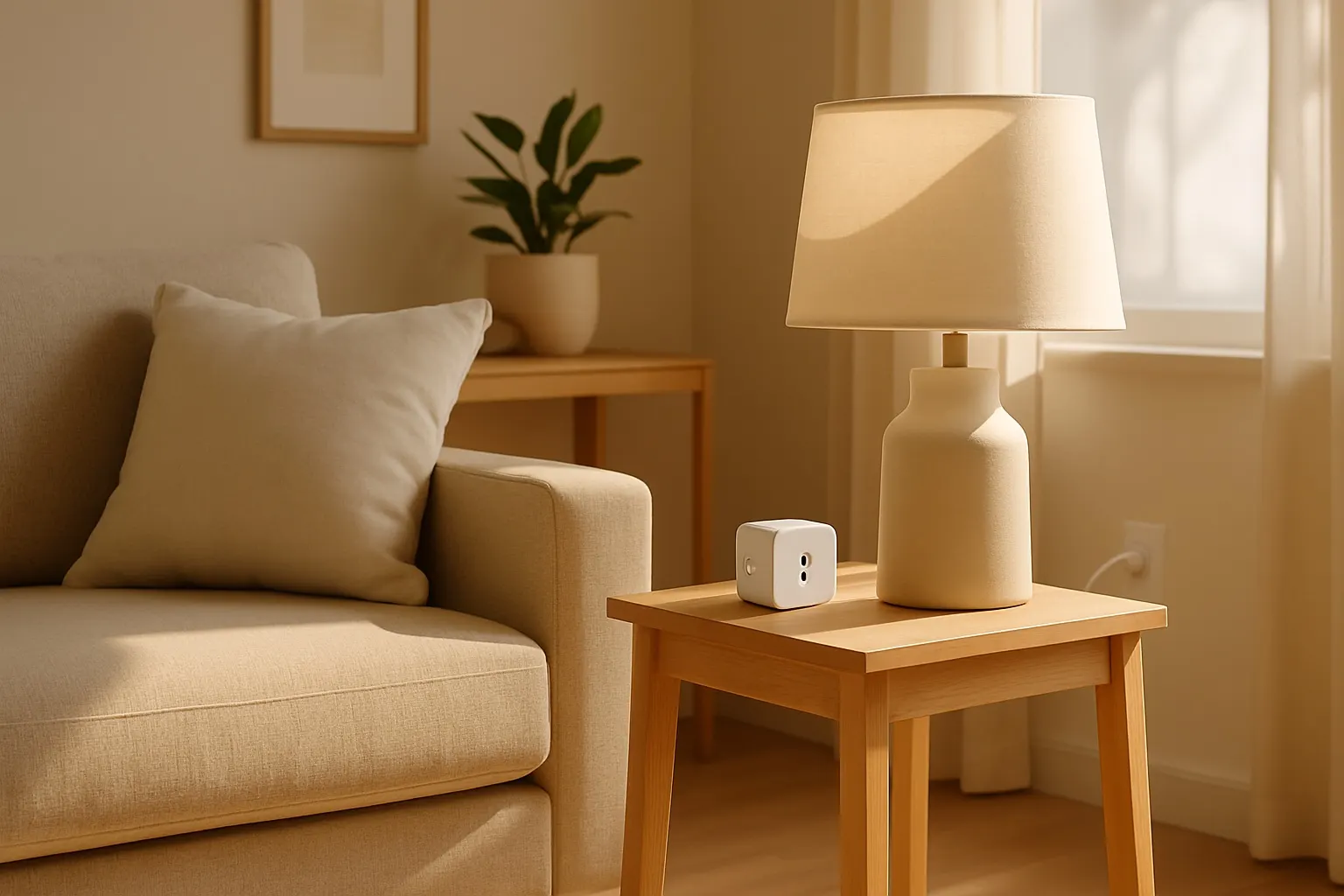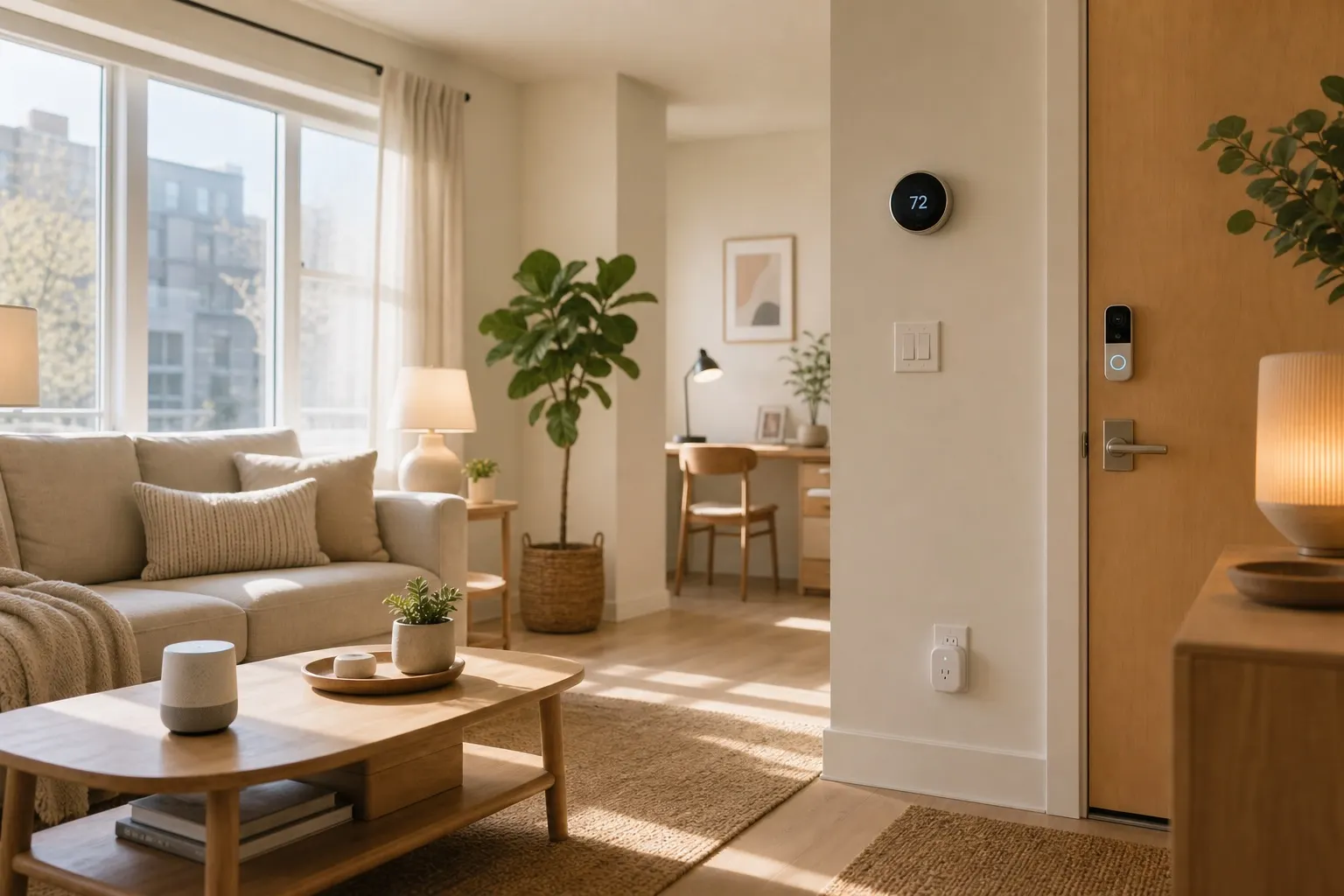
Smart sensors for renters are the quiet upgrade that makes an apartment feel much more capable without turning it into a wiring project. Quick answer: start with door/window contact sensors, motion sensors, water leak sensors, and temperature sensors that use adhesive mounts or simply sit on a shelf. They help with security, lighting, leak alerts, and comfort, and the best ones move with you when your lease ends.
This post contains affiliate links. We may earn a small commission at no extra cost to you.The trick is avoiding anything that needs hardwiring, wall anchors, or landlord approval. A good renter setup should install in minutes, peel off cleanly, and work through your existing Wi-Fi or a small hub you can unplug on moving day.
What Smart Sensors Actually Do
Smart sensors do one simple job: they notice a change and tell another device what happened. A contact sensor reports that a door opened. A motion sensor sees movement. A water sensor detects moisture. A temperature sensor notices that one room is getting too hot or cold.
That sounds basic, but it unlocks useful apartment automations. Your hallway lamp can turn on when the front door opens after sunset. Your phone can alert you if a window opens while you are away. A sensor under the sink can warn you about a leak before it ruins boxes, flooring, or the cabinet base.
If you are building from scratch, a small starter kit is usually easier than buying one-off devices from five brands. The Aqara Door and Window Sensor, Eve Motion Sensor, and Govee Water Leak Sensor are good search terms to compare current prices and compatibility.
Best Sensor Types for Apartments
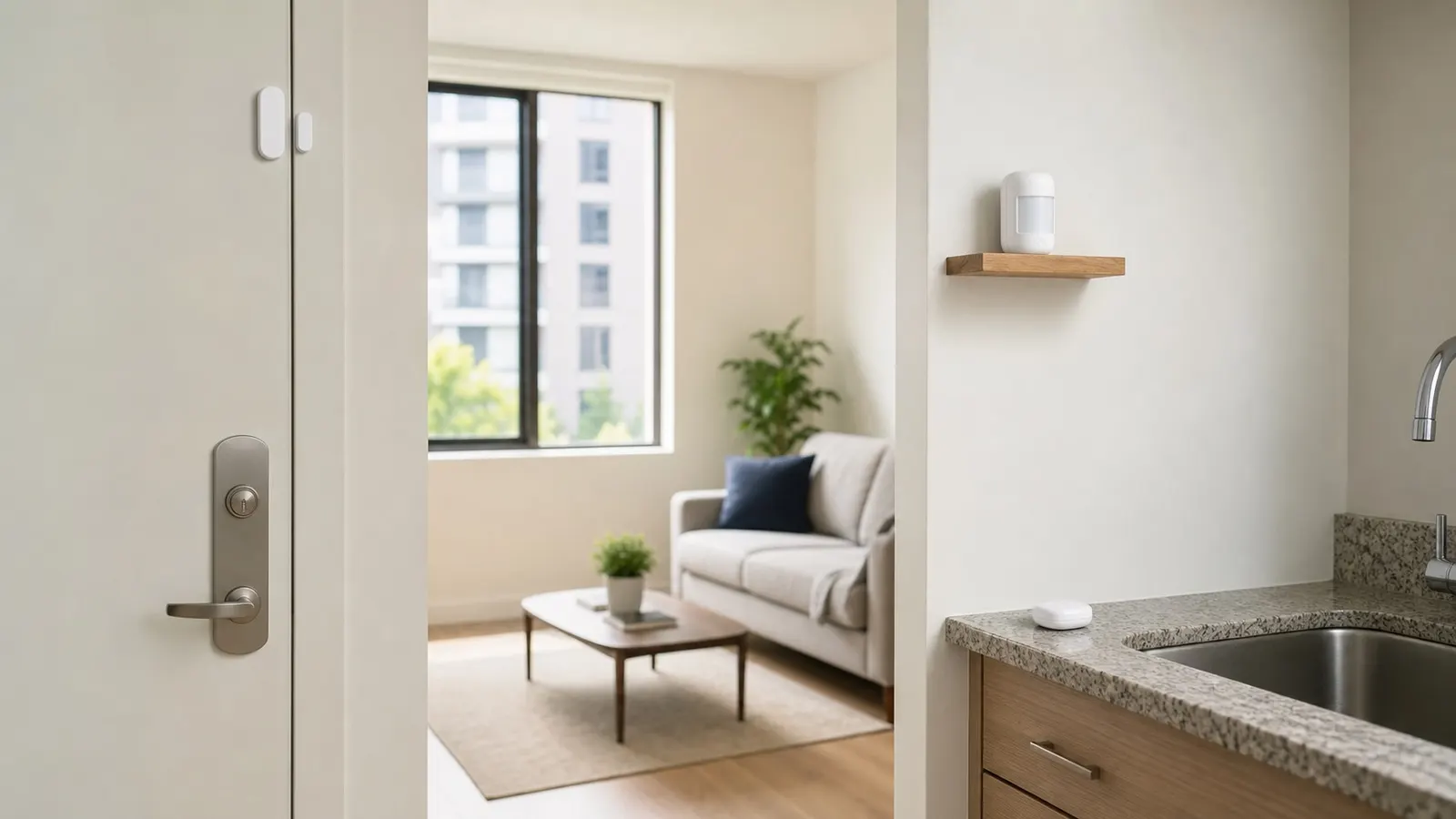
Contact sensors are the most useful first buy. Put one on the main entry door, balcony door, or a window you rarely open. Most use two tiny adhesive-backed pieces: one on the frame, one on the moving door or window. When the pieces separate, the app knows it opened.
Motion sensors are best in hallways, closets, bathrooms, and kitchens. They are especially good paired with lamps through smart plugs. For a deeper plug setup, see our guide to best smart plugs for renters.
Water leak sensors belong under sinks, near the washing machine, beside the toilet, and next to a water heater if your apartment has one. They are not glamorous, but they are one of the highest-value smart home devices renters can buy.
Temperature and humidity sensors are helpful in drafty apartments, nurseries, home offices, and bathrooms with weak ventilation. They can remind you to run a fan, close blinds, or adjust a portable heater.
Renter-Friendly Setup Rules
Before buying, check three things: mounting method, network type, and app compatibility. Adhesive is usually fine, but look for removable strips or very light devices. If a product expects screws, skip it unless it can also sit flat on a shelf.
Wi-Fi sensors are the simplest because they connect directly to your router, but they can eat batteries faster. Zigbee, Thread, or Z-Wave sensors usually need a hub, yet they are often more reliable and efficient. If you already have an Echo, Apple HomePod mini, SmartThings hub, or Matter-compatible hub, hub-based sensors can be worth it.
Security matters too. The Federal Trade Commission has practical advice on securing your home Wi-Fi network, and it applies directly to smart apartments: use a strong router password, update device firmware, and avoid abandoned no-name apps.
Keep old packaging for adhesive pads and reset instructions. When you move, remove sensors slowly, clean the surface, and pair them again in the new apartment.
Simple Automations That Feel Worth It
Start small. A front door contact sensor can trigger an entry lamp between sunset and midnight. A closet motion sensor can turn on a small plug-in light for three minutes, then shut it off automatically. A bathroom humidity sensor can remind you to run the fan after a shower if moisture stays high.
For safety, create alert-only automations first. A water leak notification should go straight to your phone. A window-open alert while you are away should be a notification, not a siren, unless you are very sure the sensor will not false alarm.
Once the basics are stable, connect sensors to routines. A motion sensor can pause overnight alerts when you are home. A door sensor can start your "arrive home" scene with lights and a smart speaker. A temperature sensor can help you decide when a fan or air purifier should run.
What to Buy First
If your budget is under $50, buy two contact sensors and one leak sensor. That covers the front door, the most vulnerable window or balcony door, and the highest-risk plumbing spot.
If you can spend closer to $100, add a motion sensor and a temperature/humidity sensor. Renters with pets should choose motion sensors with sensitivity controls or placement flexibility, because a device aimed at the floor may trigger constantly.
Avoid overbuying. Sensors are only useful when each one has a job. A dozen unused alerts will make you ignore the one notification that matters.
FAQ
Do smart sensors damage walls or doors?
Most renter-friendly sensors use light adhesive pads and do not damage clean painted surfaces when removed carefully. Avoid screw-only models, and do not mount sensors on peeling paint, unfinished wood, or fragile trim.
Do I need a hub for apartment smart sensors?
Not always. Wi-Fi sensors work without a separate hub, but Zigbee, Thread, and Z-Wave sensors usually require one. A hub can be worth it if you want better battery life, faster automations, or a larger apartment setup.
Are smart sensors worth it if I move often?
Yes, as long as you buy portable devices. Contact, motion, water, and temperature sensors are small, easy to reset, and simple to reinstall. Replace the adhesive pads when you move and keep the same routines as a template.
Smart sensors are not the flashiest apartment upgrade, but they are one of the most practical. Start with the problems you actually have: entry awareness, leak prevention, better lighting, or room comfort. Then build a small system that earns its place every week.