Your apartment entryway is the best place to start if you want a smarter home that feels safer, cleaner, and easier to use every day. It is the spot where packages land, keys disappear, lights get left on, and late-night arrivals feel awkward.
This post contains affiliate links. We may earn a small commission at no extra cost to you. TL;DR: A renter-friendly apartment entryway smart home setup should start with a wireless camera or peephole camera, a contact sensor, a motion-triggered light, and one voice or app routine that turns the entry into a simple control zone. Choose adhesive, plug-in, or freestanding devices so everything can move with you when your lease ends.Below is a practical setup that avoids drilling, hardwiring, and landlord drama while still making the front door feel genuinely useful.
Start With the Problems at the Door
Before buying devices, write down what actually bugs you about the entryway. Most renters are trying to solve four things: seeing who is outside, catching package deliveries, lighting the room when they come home, and remembering small items before leaving.
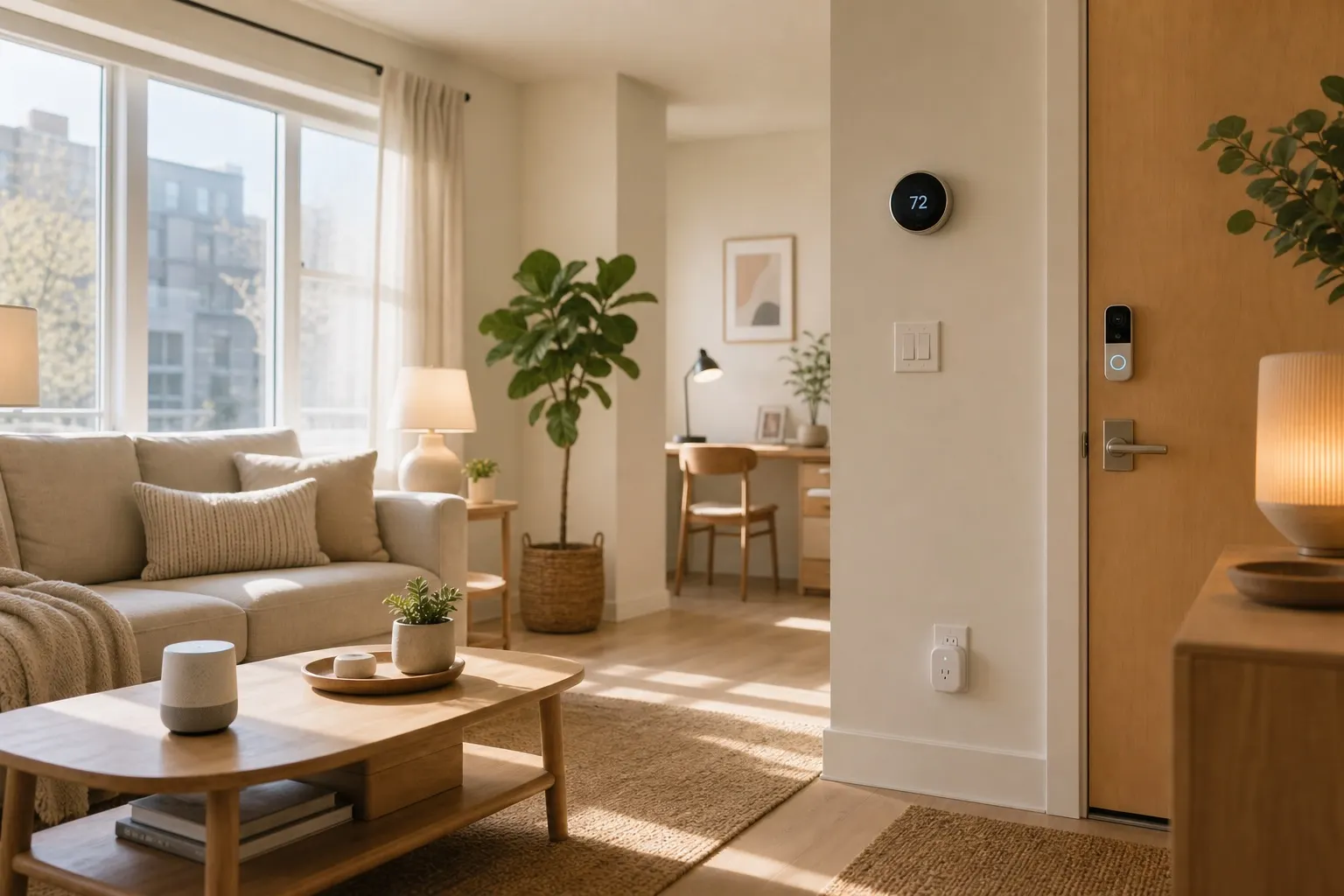
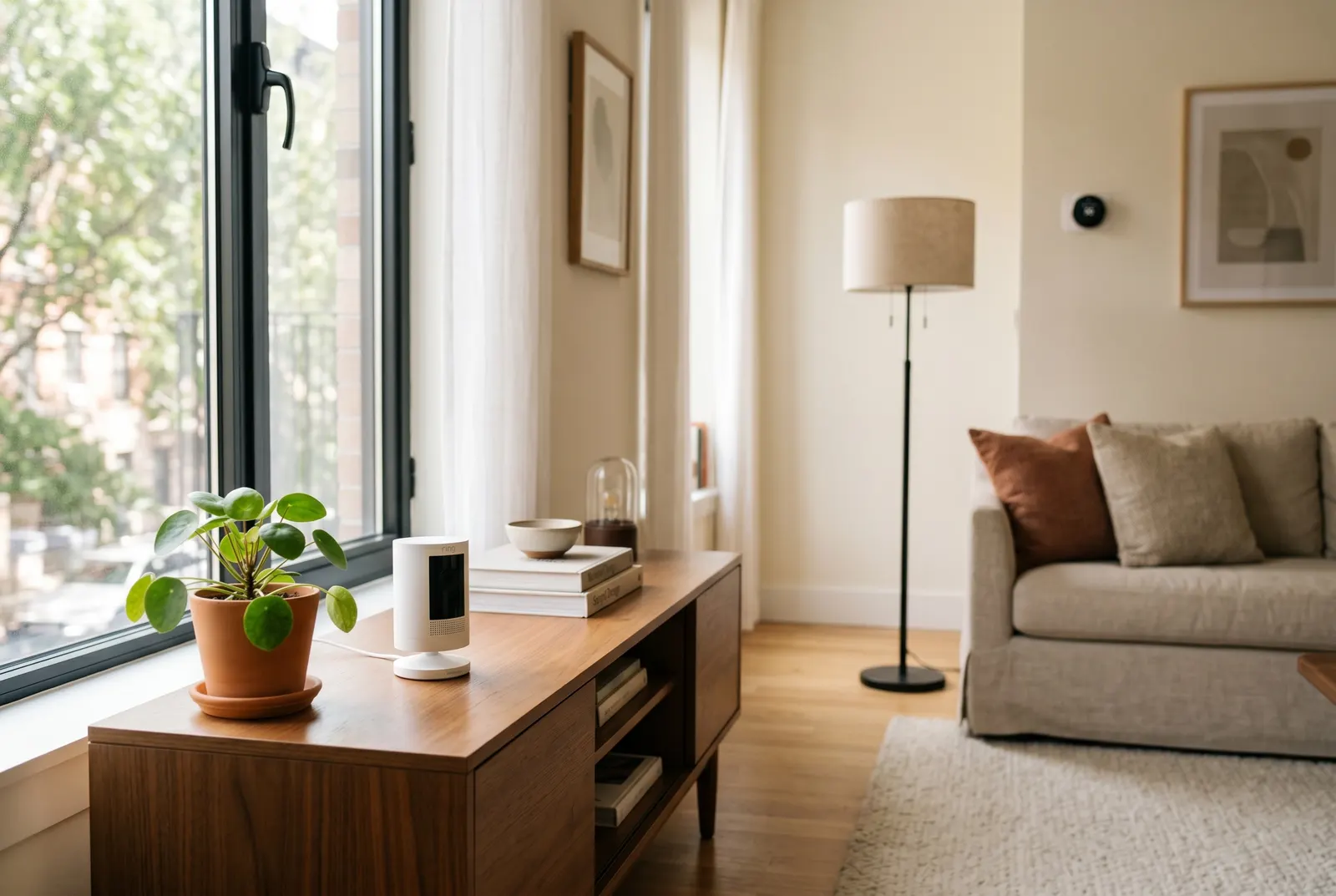
That means you do not need a complicated smart home hub on day one. You need a few targeted devices that cover the highest-friction moments. A Ring Peephole Cam can work well for apartment doors with an existing peephole, while a freestanding indoor camera pointed at the entry may be better if your building rules are strict. Always check lease and building policies before recording shared hallways.
For renters who cannot place any camera near the door, a contact sensor still helps. It can alert your phone when the door opens and trigger other routines, such as turning on a lamp after sunset.
Build a No-Drill Security Layer
A strong entryway setup should be reversible. Look for devices that use adhesive strips, battery power, shelves, magnetic mounts, or existing hardware.
Start with a contact sensor on the door. Models from Aqara, Eve, and ThirdReality are small enough to disappear on most door frames. If you already use Alexa, Google Home, Apple Home, or SmartThings, pick a sensor that fits your ecosystem instead of chasing the cheapest option. Compatibility matters more than saving five dollars.
Next, add a camera only if it fits your privacy and building rules. The Federal Trade Commission has a useful consumer guide on securing connected devices, and the same principles apply here: strong passwords, two-factor authentication, and regular firmware updates. A camera makes sense only if you will secure the account behind it.
If you want a simple non-camera option, a smart button near the door can act as an away switch. Press it once to turn off entry lights, stop a smart plug, and arm compatible sensors. The Aqara Wireless Mini Switch is a good search term if you are building around Zigbee or Matter-friendly gear.
Add Lighting That Works Automatically
Entryway lighting is where smart home gear feels less like a gadget and more like a quality-of-life upgrade. A motion sensor paired with a smart bulb or smart plug can make the apartment feel calm when you walk in with groceries.
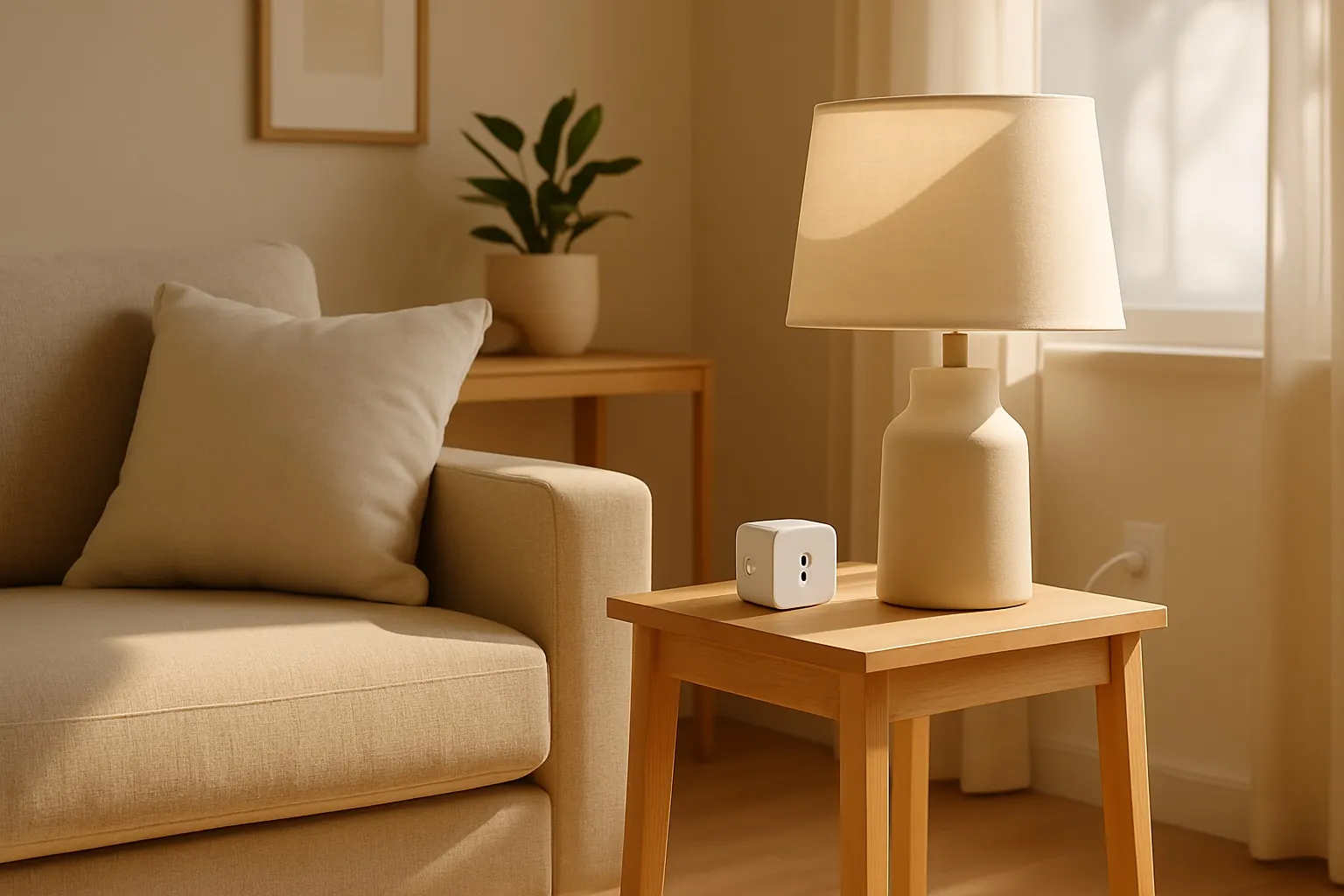
For a rental, the easiest route is a lamp on a smart plug. Place a narrow table lamp near the door, plug it into a reliable smart plug, and set it to turn on when motion is detected after sunset. If there is no table, use a plug-in wall sconce or a small floor lamp instead. The goal is gentle light, not a bright overhead blast.
Smart bulbs also work, especially in older apartments where the switch controls a ceiling fixture. Look at the Kasa smart plug lineup or color-temperature smart bulbs if you want warm light at night and brighter white light during morning routines.
For more starter gear, our guide to smart sensors for renters covers the small devices that make automations feel natural without changing the apartment.
Create Two Simple Entryway Routines
Do not overbuild the automation. Two routines are enough for most apartments.
The first is "arrive home." After sunset, the door opens or motion is detected, then the entry light turns on for ten minutes. If you use a smart speaker, it can also announce a reminder like "keys and mail" or start a playlist. Keep the routine quiet if you live with other people.
The second is "leaving." A button press, voice command, or phone shortcut turns off the entry lamp, checks compatible locks or sensors, and powers down anything connected to a smart plug. If you have a robot vacuum, this can also be the moment it starts cleaning.
The trick is to avoid routines that depend on perfect location tracking. Phone-based geofencing can be useful, but apartment buildings often confuse it because units are stacked close together. Door sensors, buttons, and motion sensors are more predictable.
Keep It Clean and Move-Out Friendly
Entryways get messy fast, so the setup should reduce clutter. Use short cables, a single outlet adapter if needed, and adhesive cable clips that remove cleanly. Keep cameras and speakers off the floor. Label batteries in your app so you are not surprised by a dead sensor.
Before move-out, remove adhesive slowly and use the pull tab if the strip has one. Keep the original mounting plates, spare adhesive pads, and tiny reset tools in a zip bag. A smart entryway should leave with you in twenty minutes, not create a weekend repair project.
FAQ
Can renters install a smart doorbell?
Sometimes, but it depends on the door, building rules, and whether installation changes shared property. Peephole cameras and removable mounts are usually easier than wired doorbells. Get written permission if anything requires screws or changes exterior hardware.
What is the first device to buy for an entryway?
Start with a contact sensor if you care about alerts, or a smart plug and lamp if you care more about convenience. Those two devices are inexpensive, reversible, and useful in almost every apartment layout.
Do I need Matter for an apartment entryway setup?
Matter can make mixed-brand setups easier, but it is not mandatory. If you already use Alexa, Google Home, or Apple Home, buying devices that work reliably with your current system is more important than chasing a specific logo.
An apartment entryway smart home setup works best when it is boringly practical. Make the door safer, make the light automatic, keep the gear removable, and stop there until a real daily problem tells you what to add next.