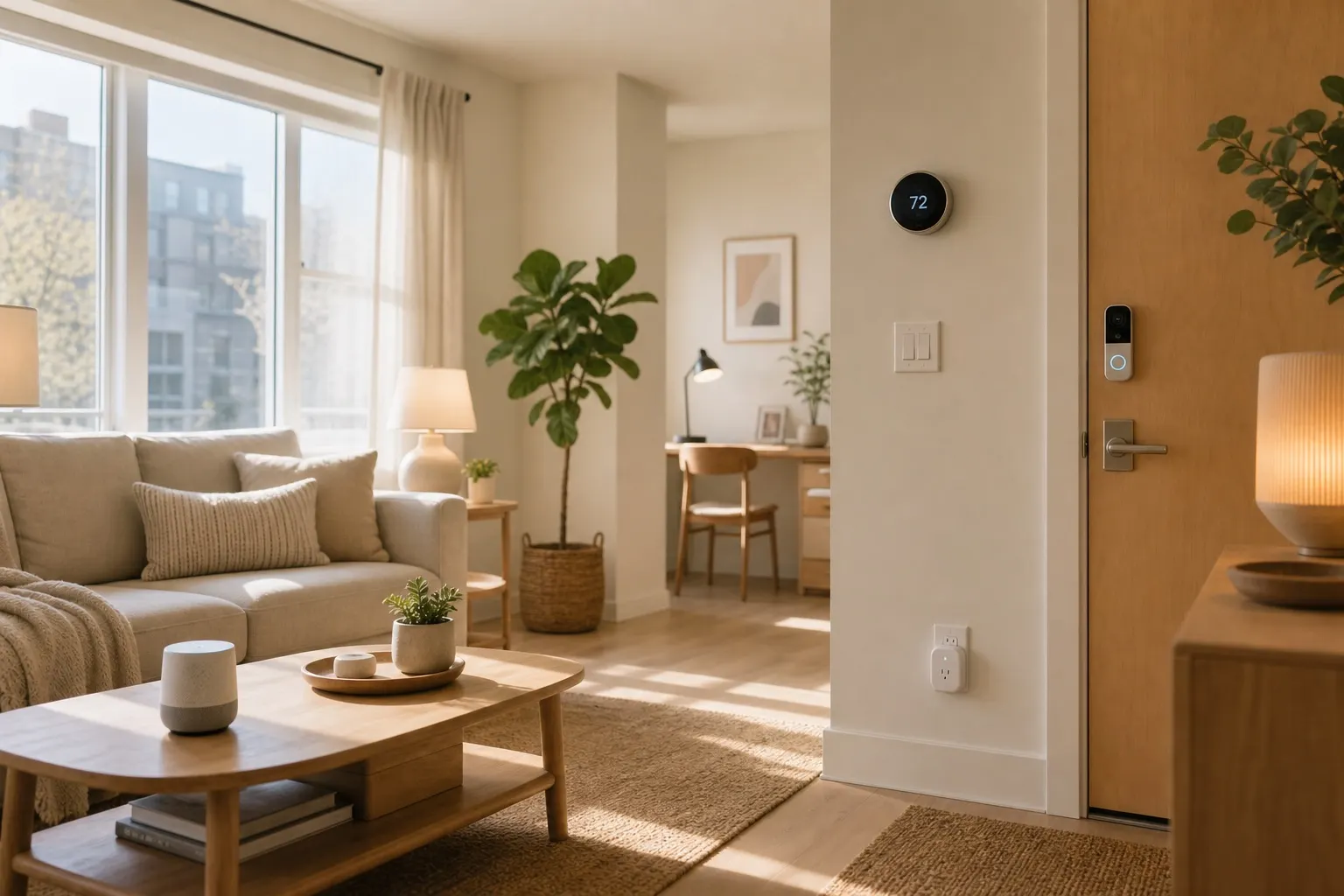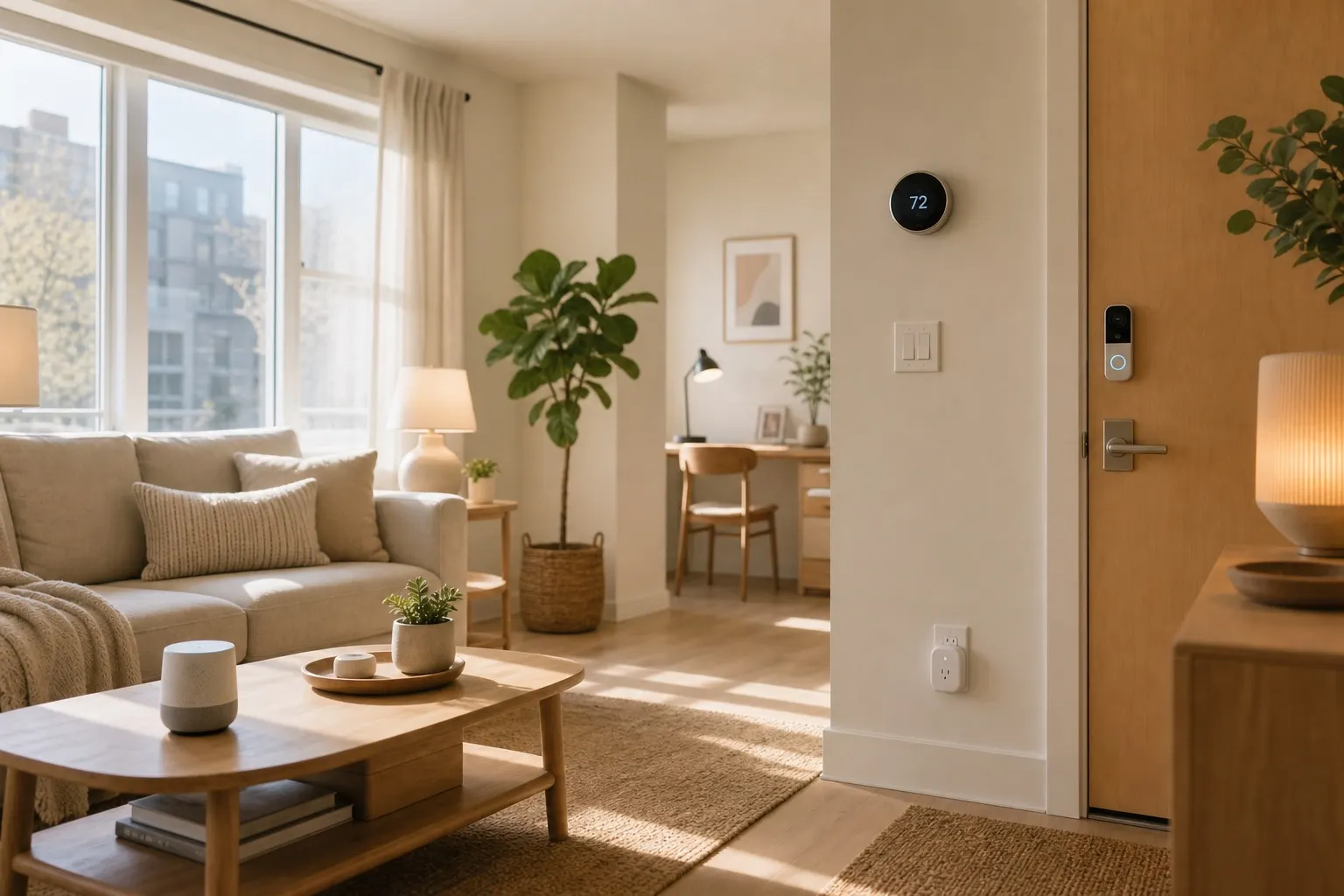
Living with roommates changes the smart home equation. A device that feels convenient in a solo apartment can feel invasive when three people share the same door, living room, kitchen, and Wi-Fi.
This post contains affiliate links. We may earn a small commission at no extra cost to you. Quick answer: the best smart home renters setup with roommates starts with shared consent, removable devices, separate app accounts, and boring automations everyone understands. Prioritize smart plugs, lamps, sensors, and speakers before cameras or door locks. Keep private spaces private, document who owns each device, and choose products that can be reset cleanly when someone moves out.This is not about turning a rental into a tech showroom. It is about making shared space easier to live in without creating a privacy fight.
Start With House Rules Before Devices
Before anyone buys gear, agree on where smart devices are allowed. Shared rooms are different from bedrooms. A smart plug on the living room lamp is low-risk. A camera pointed at the couch is a much bigger decision.
Write down three simple rules:
- Which rooms can have shared smart devices
- Who gets admin access in each app
- What happens when a roommate moves out
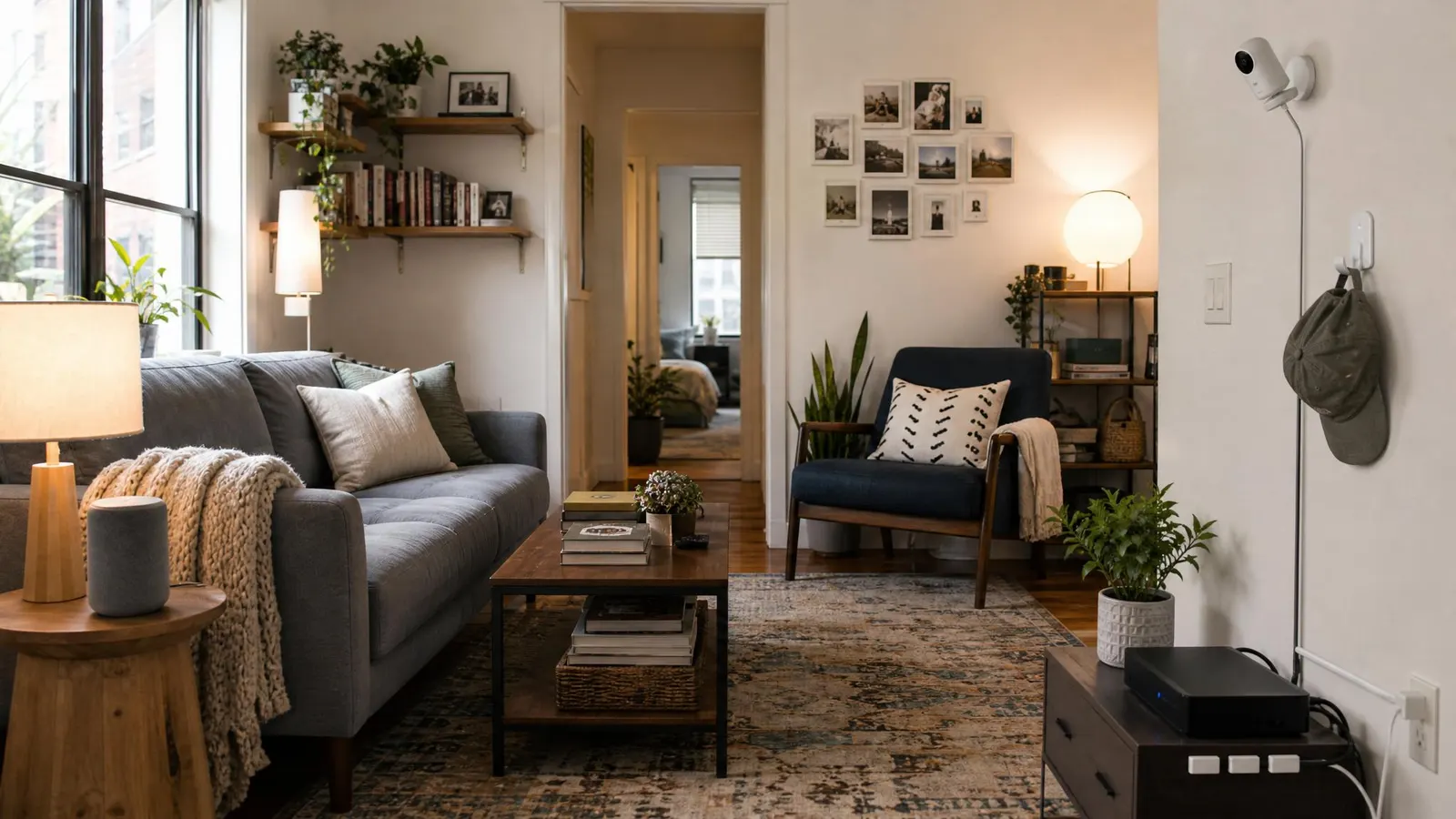
For most apartments, keep cameras out of indoor shared spaces unless everyone explicitly wants one. If package theft is the concern, a peephole camera or entryway camera may still violate building rules or make roommates uncomfortable. The Federal Trade Commission has useful basics on securing connected devices, and shared apartments need those habits even more than solo homes.
If you want a broader setup first, read our smart home privacy for renters guide before adding anything with a microphone, camera, or location history.
Choose Renter-Friendly Devices Everyone Can Live With
The safest shared-apartment upgrades are useful, visible, and easy to remove.
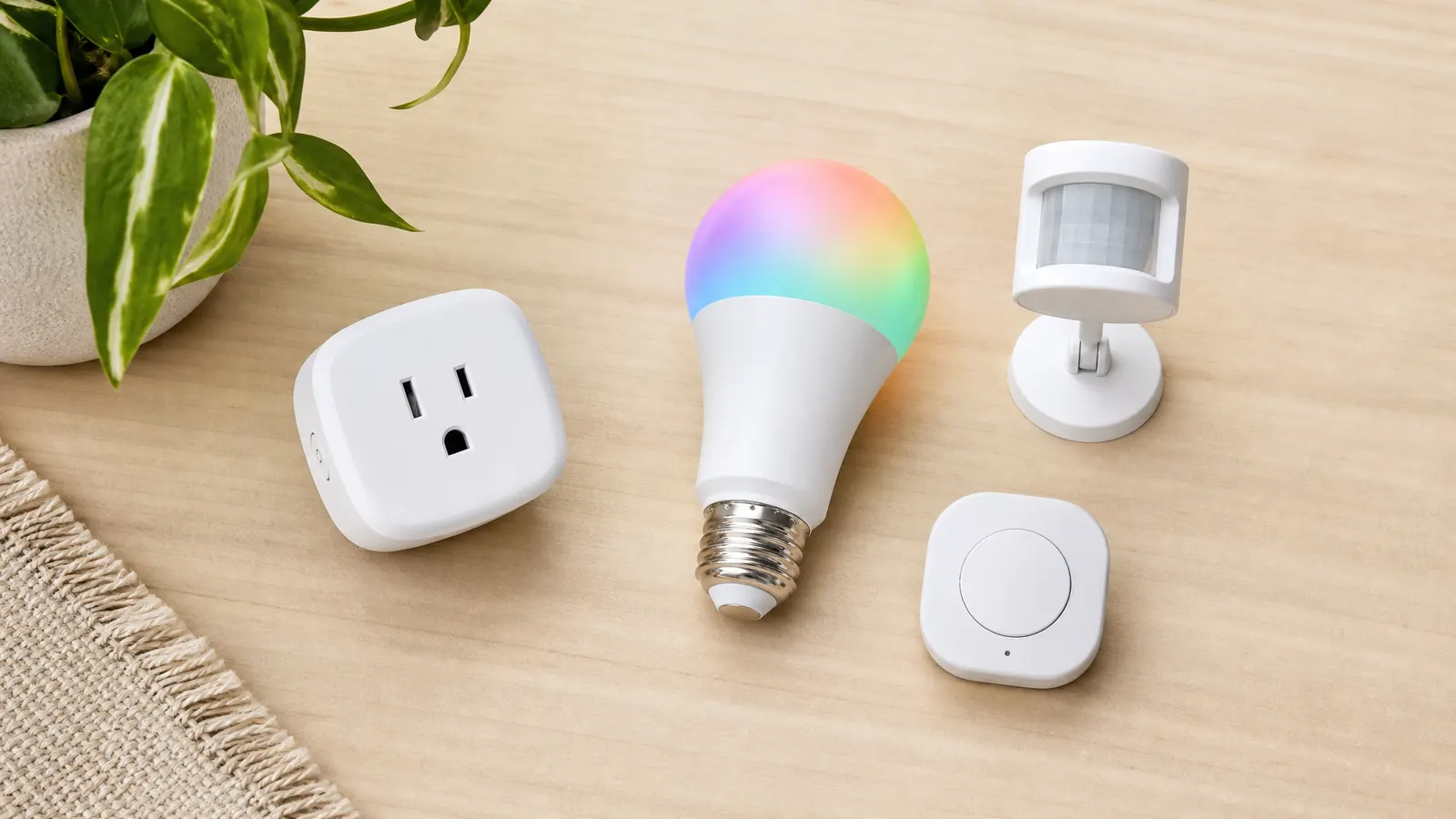
Start with a few Kasa smart plugs for lamps, fans, and holiday lights. They do not require rewiring, they are easy to reset, and they solve real annoyances like "who left the living room lamp on?"
Smart bulbs work well in shared fixtures, but avoid color-changing chaos unless your apartment enjoys that. A simple warm-to-cool white bulb is usually better than a full party-light setup. If the main problem is hallway darkness, a motion-sensing night light or plug-in lamp can be better than replacing bulbs in fixtures your landlord owns.
For the kitchen, a smart plug can control a coffee station, under-cabinet light, or air purifier. Skip anything that could turn on a heat-producing appliance remotely. Coffee makers, space heaters, and hot plates deserve extra caution because nobody wants an automation creating a fire risk.
Set Up Accounts Without Creating Drama
Account setup matters more with roommates than it does in a one-person apartment. Do not put every device under one person's personal login if everyone depends on the setup.
Use device apps that support household members or shared homes. Apple Home, Google Home, Alexa, SmartThings, and many device-specific apps allow multiple users. Give roommates the access level they actually need. Someone who only wants to turn on a lamp does not need full admin rights to every device.
For voice assistants, agree on where they live. An Echo Dot in the kitchen can be useful for timers, music, and shopping reminders. One in a bedroom should belong to the person who sleeps there.
Also turn on two-factor authentication for the main account. Smart home apps can control cameras, locks, speakers, and routines. Treat them like important accounts, not throwaway gadget logins.
Automations That Do Not Annoy Roommates
Good roommate automations are predictable. Bad ones surprise people.
Shared-space routines should be obvious:
- Entry lamp turns on at sunset
- Living room fan turns off at midnight
- Kitchen light turns off after no motion for 20 minutes
- Air purifier runs during cooking hours
Avoid automations that change music, lock doors, flash lights, or announce messages without agreement. A voice announcement that feels helpful to one person can feel deeply irritating to someone on a work call.
Motion sensors are useful, but place them carefully. A hallway sensor can turn on a low lamp at night. A living room sensor that blasts overhead lights every time someone shifts on the couch is not helping.
If roommates keep different schedules, create quiet hours. During quiet hours, smart speakers should lower volume, lights should fade instead of snap on, and notification routines should go to phones instead of speakers.
Moving Out Without Breaking the Setup
Roommate smart homes fail when nobody knows who owns what. Keep a small note in your shared docs or group chat with device names, owners, and reset steps.
For each device, record:
- Owner
- Room
- App used
- Whether it stays or leaves during move-out
- Factory reset instructions
This sounds fussy until someone moves out with the only admin account on the smart plugs.
Use removable mounting for everything. For cable cleanup, adhesive clips and a cable management box make shared rooms look better without drilling. Save extra adhesive pads in a labeled bag so devices can be moved without damaging paint.
If you use sensors, choose ones with replaceable batteries and easy resets. A basic contact sensor on a balcony door or shared storage closet can be useful, but it should never become a way to monitor a roommate's private behavior.
FAQ
Should roommates use indoor security cameras?
Usually no. Indoor cameras in shared spaces require clear consent from every roommate, and even then they can feel uncomfortable. Start with door sensors, better lighting, or package-delivery rules before adding cameras.
Who should own the smart home account?
The person who owns most devices can be the primary admin, but every roommate should have the access needed for shared devices. If the setup is truly shared, use apps that support household members instead of one shared password.
What smart device should roommates buy first?
Buy two smart plugs first. Use one for a shared lamp and one for a fan or air purifier. They are cheap, removable, easy to reset, and useful without changing the apartment.
A smart home renters setup with roommates should feel calm, fair, and boring in the best way. If a device makes shared life easier without monitoring people or complicating move-out, it belongs. If it creates awkward questions, skip it.