Smart home privacy for renters comes down to three habits: buy devices from brands with clear settings, keep cameras pointed only at your own space, and separate smart gadgets from your main personal devices when possible.
This post contains affiliate links. We may earn a small commission at no extra cost to you. TL;DR: The safest renter-friendly setup is simple. Use a strong Wi-Fi password, turn on two-factor authentication, avoid placing cameras in private areas, mute smart speakers when you do not need them, and review every device's data-sharing settings before you add it to your apartment. You do not need to give up convenience; you just need a setup that is easy to control and easy to remove when you move.Here is how to build a smarter apartment without making your home feel watched.
Start With the Devices That Collect the Most
Not every smart home gadget carries the same privacy risk. A smart plug that controls a lamp is very different from an indoor camera or a voice assistant with microphones. Start by sorting your devices into three buckets.
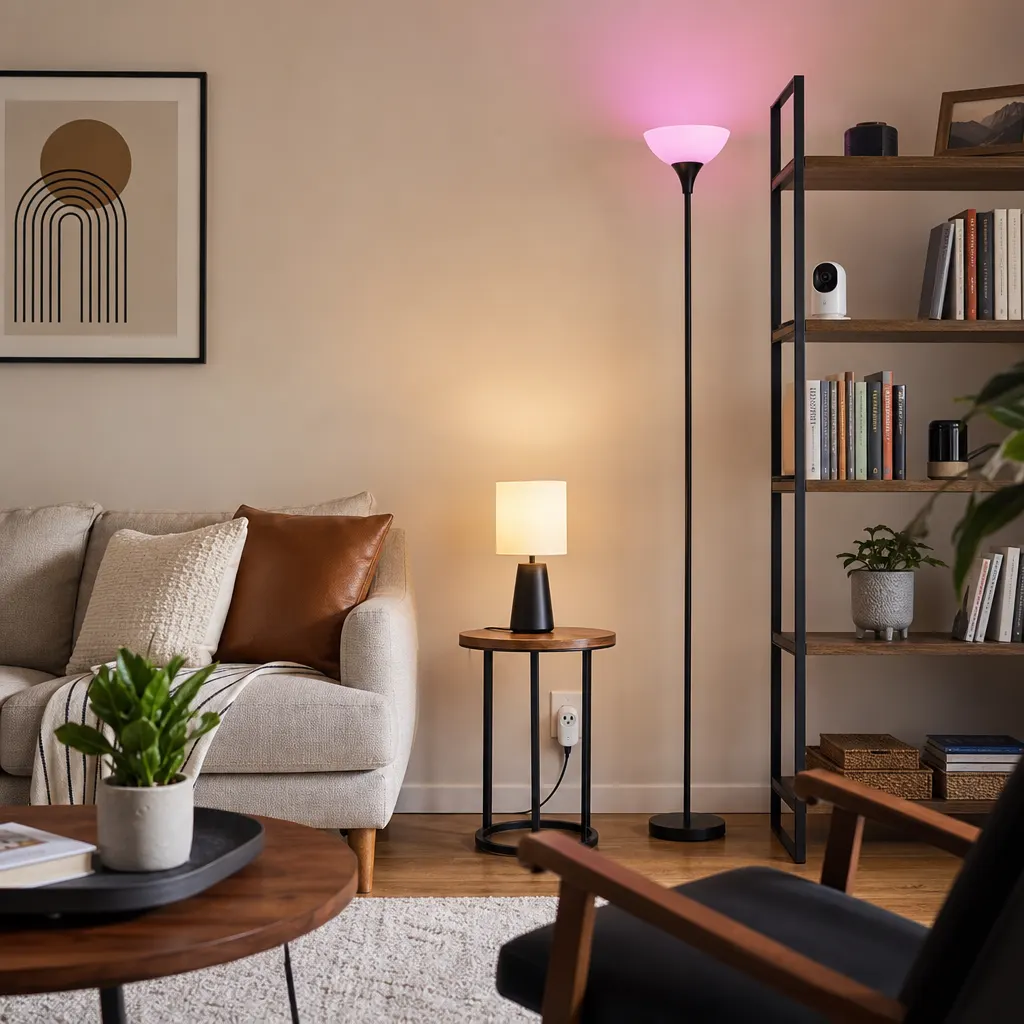
Low-risk devices include smart plugs, basic smart bulbs, leak sensors, and motion sensors that do not record audio or video. A simple Kasa Smart Plug Mini can automate a lamp or fan without collecting much beyond usage data.
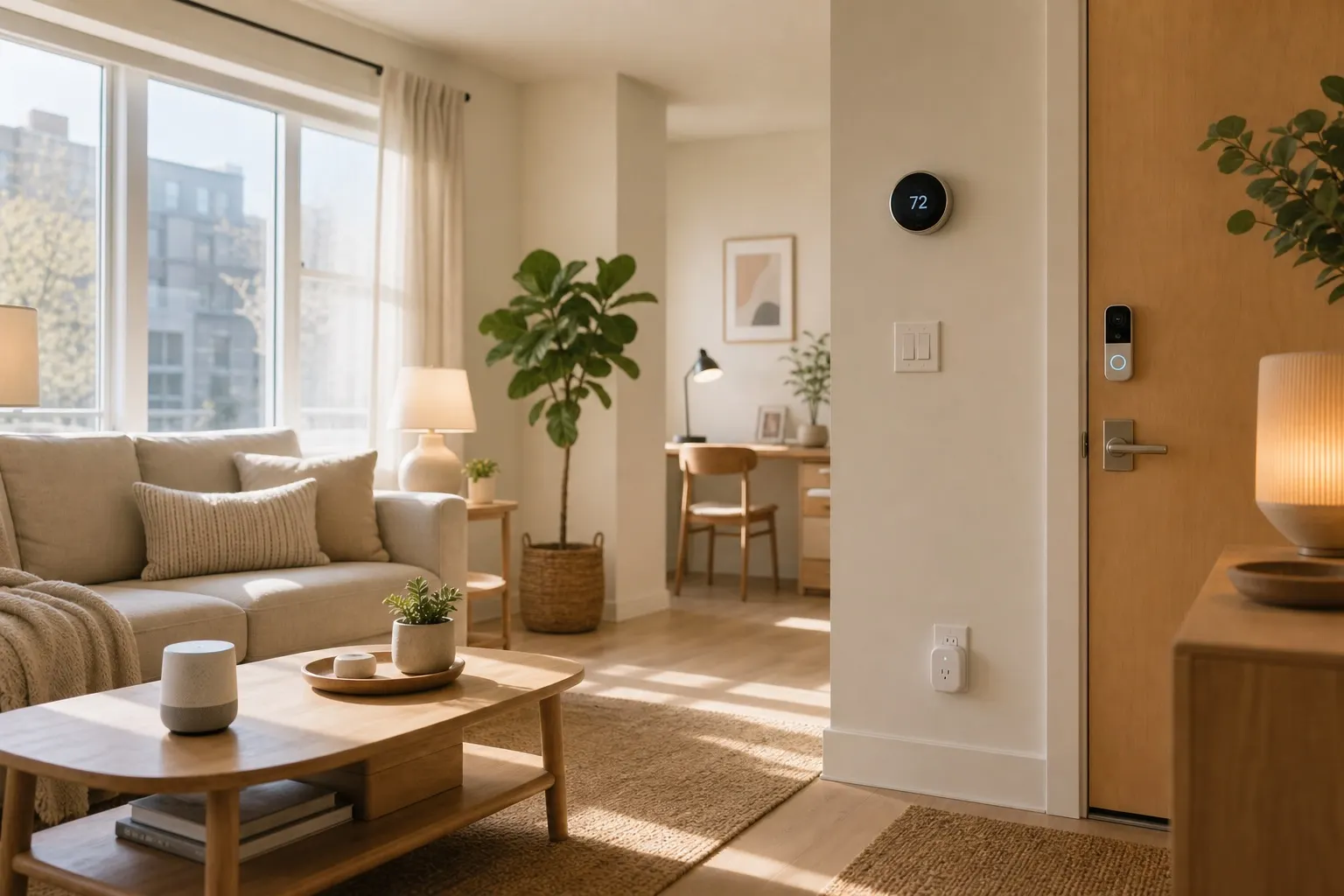
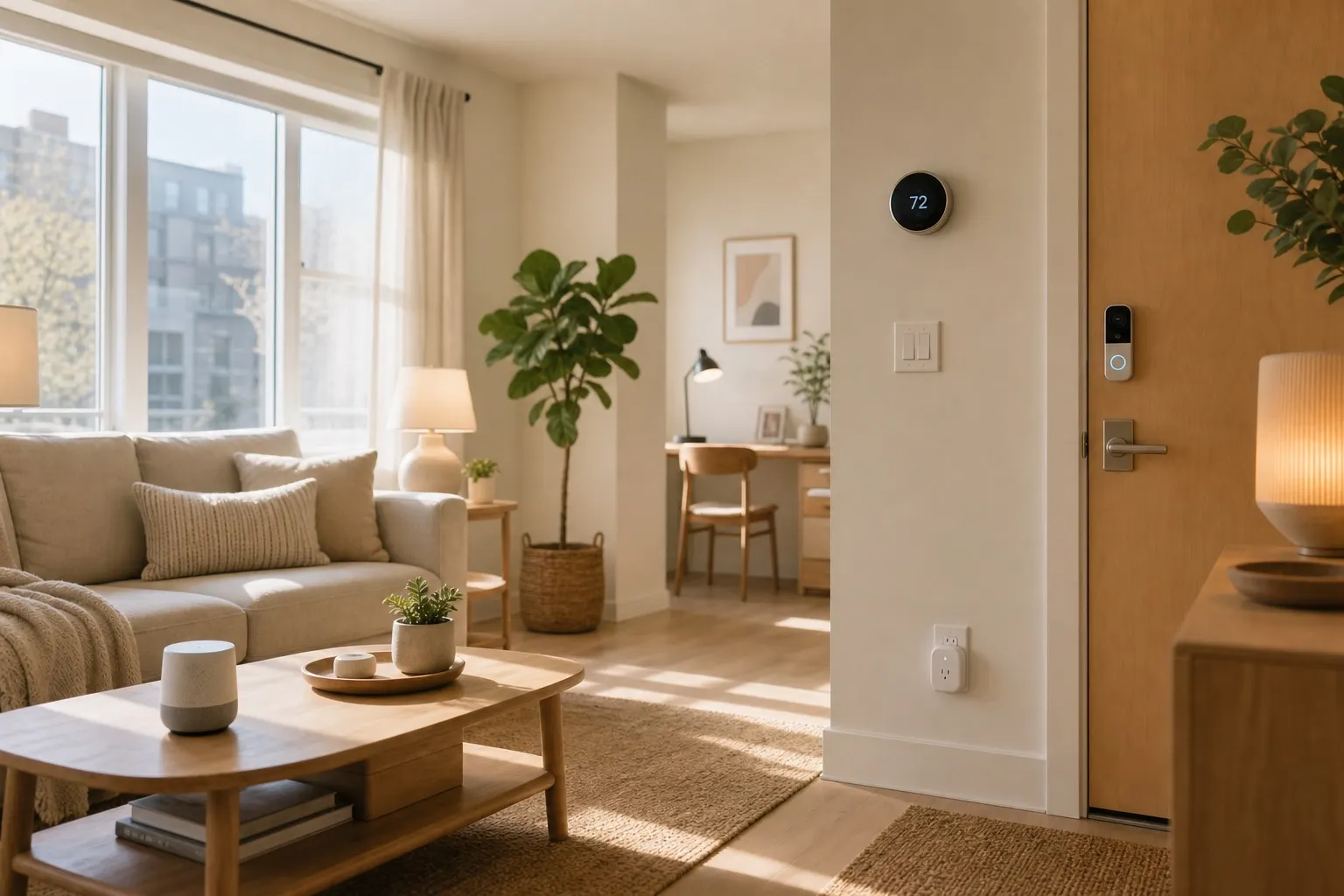
Medium-risk devices include smart speakers, displays, thermostats, and app-connected appliances. They are useful, but they often connect to broader accounts and assistants. A device like an Echo Show is best placed in a kitchen or living room, not a bedroom.
High-risk devices include indoor cameras, video doorbells, baby monitors, and anything that records audio or video. These can still be worth owning, especially for package monitoring or pet checks, but they deserve stricter placement and settings.
Lock Down Your Apartment Wi-Fi First
Your Wi-Fi network is the front door for the whole setup. Before adding more gadgets, change the router's default admin password, use WPA2 or WPA3 security, and choose a Wi-Fi password that is not reused anywhere else.
If your router supports a guest network, put smart home devices there. That keeps bulbs, plugs, cameras, and speakers away from your laptop and phone. It is not perfect security, but it reduces the blast radius if a cheap device gets compromised.
The Federal Trade Commission has a practical guide to securing a home wireless network, and the advice applies just as much to apartments as houses. Renters using building-provided internet should be extra careful: if you cannot control the router, avoid adding sensitive cameras and use devices with strong account security.
For a broader setup plan, pair these steps with a renter-friendly smart home starter approach so privacy is part of the foundation instead of an afterthought.
Place Cameras Like a Good Neighbor
Camera placement is where renters need the most judgment. Keep cameras inside your own unit, avoid recording shared hallways unless your lease and local rules allow it, and never point cameras at a neighbor's door, window, balcony, or parking space.
Inside the apartment, skip bathrooms and bedrooms. If you want a pet camera, aim it at the living room floor or the crate area. If you want package alerts, choose a renter-friendly peephole or indoor window-facing setup only if it does not capture other people in a creepy or excessive way.
For indoor monitoring, a small Eufy indoor camera or similar model can work well when you turn off unnecessary recording, set activity zones, and disable audio if you do not need it. The best privacy feature is still placement: what the camera cannot see, it cannot store.
Review App Settings Before You Trust Defaults
Smart home apps often ask for more access than they need. When setting up a new device, slow down through the permissions screens. Deny location access unless the feature truly needs it. Skip contact syncing. Decline marketing data sharing when the app gives you the choice.
Turn on two-factor authentication for every major smart home account. Use a password manager so each app has a unique password. If a device supports shared access, give roommates their own login instead of sharing your main password.
Voice assistants deserve a quick monthly check. Review saved voice recordings, delete history if you prefer, and turn off personalized ad settings where available. If your speaker has a physical mute button, use it during private conversations. Smart speakers are useful; they do not need to listen to every hour of your life.
Buy Fewer Devices, Then Make Them Work Better
The most private smart home is not the one with the most gadgets. It is the one where every device has a clear job. A few Philips Hue smart bulbs, two smart plugs, and one speaker may cover daily routines without filling the apartment with sensors and cameras.
Before buying anything new, ask three questions:
- Does this device need a microphone or camera to solve my problem?
- Can I remove it in five minutes when I move out?
- Do I trust the app enough to keep it connected year-round?
If the answer is no, choose a simpler device. Timers, motion sensors, and smart plugs often solve the same problem with less data collection.
FAQ
Can landlords see my smart home data?
Usually no, not if you own the devices and accounts. The exception is building-provided Wi-Fi, landlord-installed devices, or smart locks and thermostats managed by the property. Keep your own accounts separate and ask for written details before using property-owned smart gear.
Are indoor cameras safe for apartments?
They can be, but only with careful placement and settings. Keep them out of bedrooms and bathrooms, avoid recording guests unnecessarily, and turn off audio or continuous recording unless you truly need it.
Should renters use a separate Wi-Fi network for smart devices?
Yes, if your router supports it. A guest network keeps smart gadgets away from your primary phone, laptop, and work devices. It is one of the easiest privacy upgrades for a renter-friendly smart home.
Smart home privacy for renters is mostly about restraint. Choose fewer, better devices, lock down the accounts, and keep anything with a camera or microphone under your control.