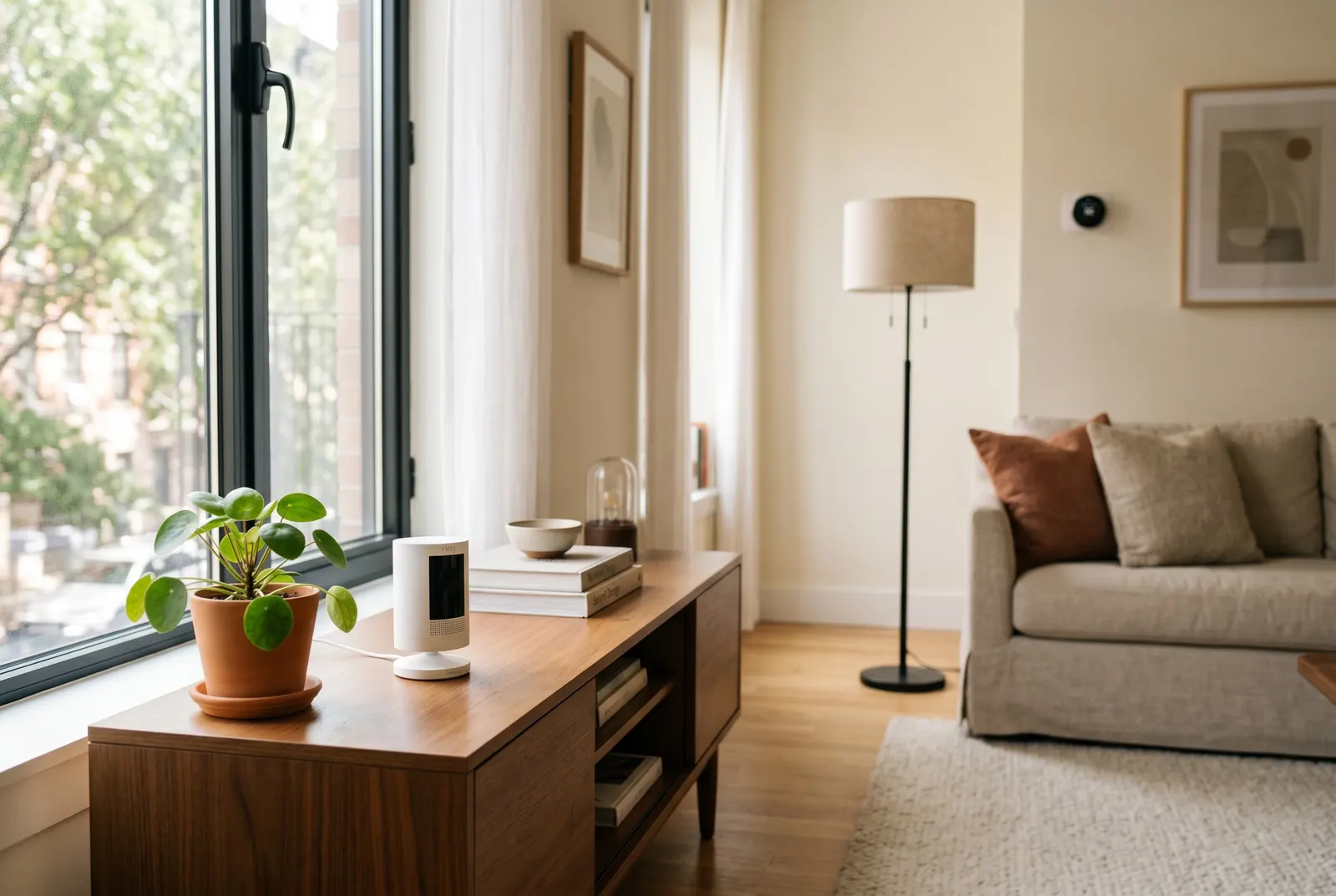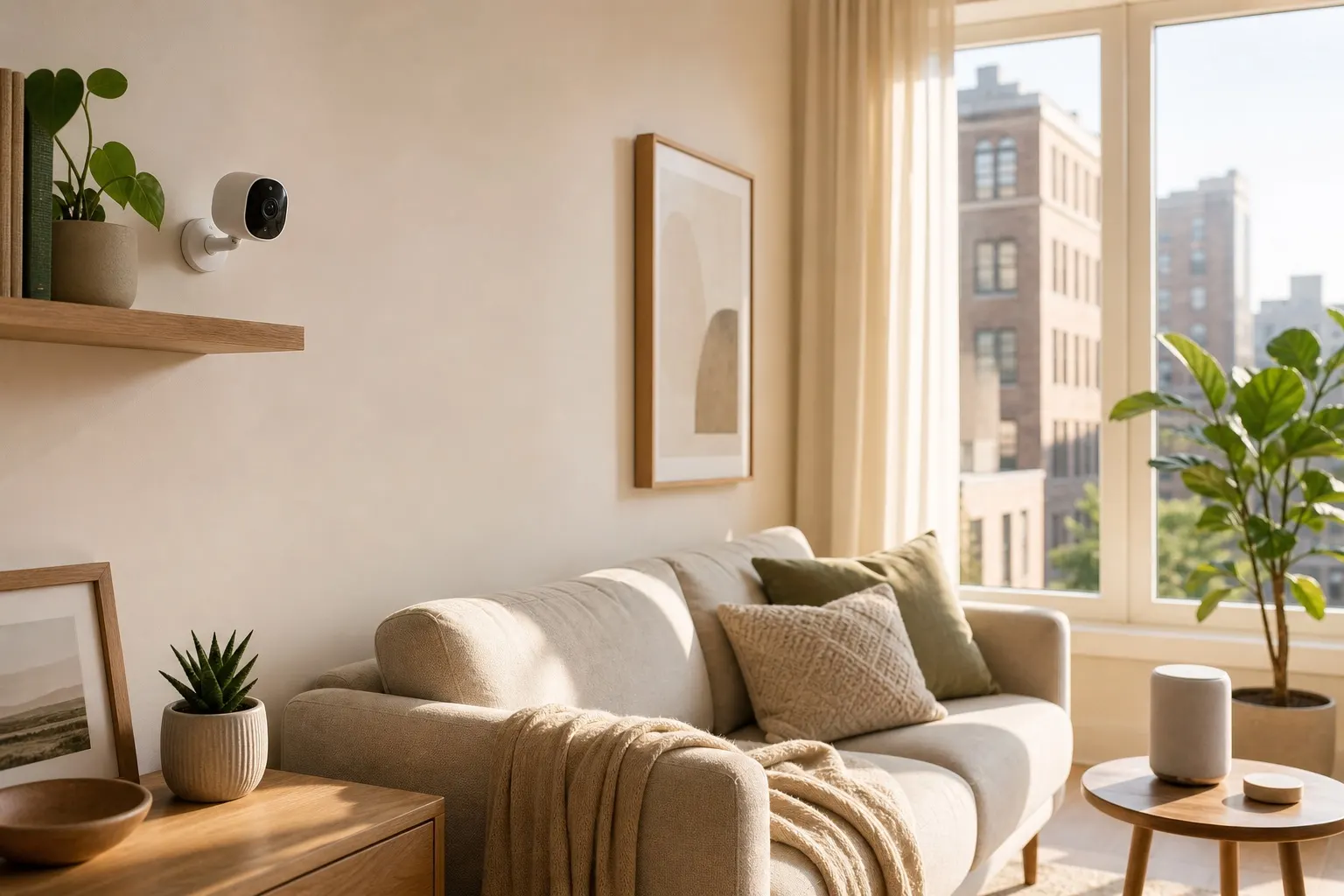
Securing your rental property can feel like a challenge. Most landlords have strict rules against drilling holes or running wires, which makes traditional security systems a non-starter. Fortunately, the market for wireless security cameras for renters has exploded, offering powerful, flexible, and completely damage-free solutions to keep your apartment safe.
This post contains affiliate links. We may earn a small commission at no extra cost to you.TL;DR: Quick Answer
The best wireless security cameras for renters are battery-powered, stand on their own or use non-damaging adhesive mounts, and connect via Wi-Fi. Top choices like the Ring Stick Up Cam and Wyze Cam Pan v3 offer HD video, motion alerts, and two-way talk without requiring any permanent installation, making them perfect for apartments.
Why Renters Need Specific Security Solutions
Living in an apartment or rental home comes with unique security considerations. You can't just install any system you want. Renter-friendly security cameras address these key issues:
- No-Drill Installation: The biggest hurdle. Wireless cameras are designed to be placed on a shelf, mounted with strong (but removable) adhesive strips, or even attached to a tension rod.
- Portability: When your lease is up, you can pack up your security system and take it with you to your next home.
- Privacy: Many wireless cameras come with physical privacy shields or geofencing features that can automatically turn the camera off when you're home.
These features make modern wireless security cameras for renters the ideal choice for flexible, powerful home monitoring. Much like a renter-friendly smart thermostat, they add value and security without impacting your security deposit.
Top Wireless Security Cameras for Apartments in 2026
We've reviewed the best options on the market that balance performance, affordability, and ease of installation for renters.
1. Ring Stick Up Cam Battery
Best All-Around Performer
The Ring Stick Up Cam Battery is a top contender for a reason. It’s incredibly versatile. You can place it on any flat surface, indoors or out, thanks to its weather-resistant design. The quick-release battery pack makes recharging simple, and the 1080p HD video provides a clear view of your space. It integrates seamlessly with the entire Ring and Alexa ecosystem, making it a smart hub for your apartment security.
2. Blink Outdoor 4
Best for Battery Life
If you want to "set it and forget it," the Blink Outdoor 4 is your camera. It boasts an incredible two-year battery life on a single set of AA lithium batteries. This camera is built for the outdoors but works perfectly indoors as well. Setup is a breeze, and its wire-free design means you can place it anywhere within your Wi-Fi range. It's a fantastic, low-maintenance choice for renters who need long-term monitoring.
3. Wyze Cam Pan v3
Best Budget Option with Panning
For maximum coverage on a minimal budget, the Wyze Cam Pan v3 is unmatched. Its key feature is the 360-degree pan-and-tilt capability, which you can control from your phone to see an entire room with a single camera. It also features color night vision and is weather-resistant for outdoor patio use. While it does require a power cord, its small size and flexible base make it easy to place on any bookshelf or table without any mounting required.
Choosing the Right Camera for Your Rental
According to security experts at CNET, the most important factor is consistent and reliable monitoring. When choosing your camera, consider where you'll place it and what you want to monitor. Do you need to see a whole room or just the entryway? Is it for inside, or for a balcony? Answering these questions will help you pick the perfect wireless security cameras for renters and your specific needs.
FAQ
H3: Do I need to get my landlord's permission to install a wireless camera?
Generally, if the camera is inside your apartment and doesn't damage the property, you do not need permission. However, it's always a good idea to review your lease agreement regarding security devices.
H3: Can these cameras be hacked?
Any internet-connected device carries some risk. To protect yourself, use a strong, unique password for your camera's account, enable two-factor authentication (2FA), and keep the device's firmware updated.
H3: Do I need a subscription for these cameras?
Most cameras offer basic features like live streaming and motion alerts for free. However, a monthly subscription is usually required to save, review, and share video recordings. These plans are typically affordable, ranging from $3 to $10 per month.